AI model swap: put a different model in the photo you already have
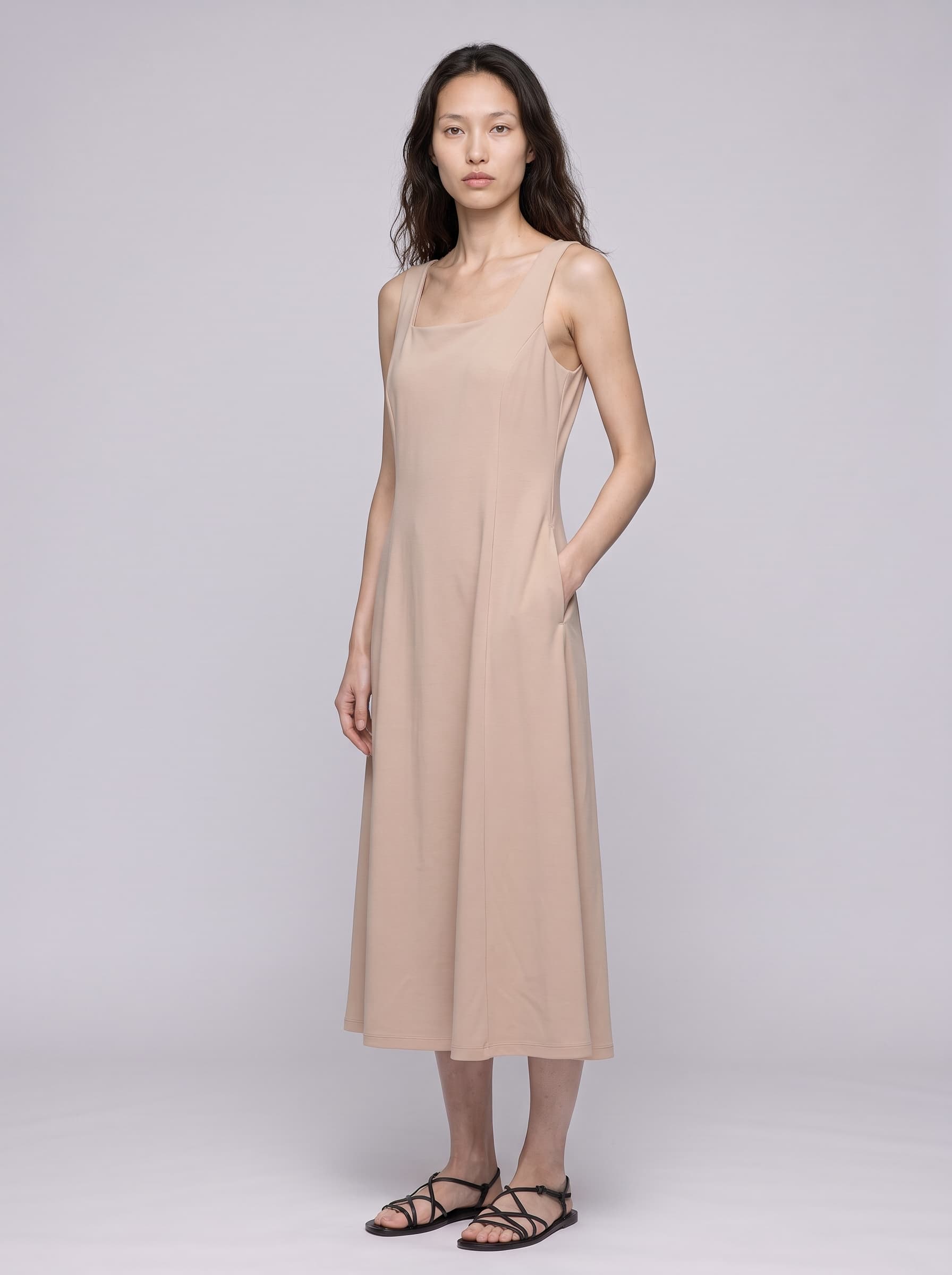
Many clothing sellers already have on-model photos they like. The outfit looks good, and the light and backdrop are right. Sometimes they only want a different person in the photo: a model who looks more like their shoppers, or the same model across every product in the store. A reshoot means booking a model and a studio, then retouching, and it often takes days.
Truest Lens is a tool that helps clothing sellers make product photos with AI. To swap the model, you need two things: the original on-model photo and an AI model. Here is how it works, step by step.
Get two things ready
The original on-model photo. Pick one where the whole garment is in the frame and the photo is sharp.
An AI model. An AI model is a person made with AI. Their face stays the same, so they can appear in all of your photos. You can add one of the official AI models from the Discover page, describe the person you want and let AI generate them, or upload three photos of a real model (front, left 45° and right 45°) if that model agrees.
You don't need product photos, the photos of the garment on its own, this time. The garment the model is wearing in the original photo is the one that stays.
Swap in three steps
- Open Model Swap and upload the original on-model photo. You can add several at once; each one gets its own set of results.
- Choose an AI model.
- Pick the resolution, the aspect ratio and how many photos you want, then submit.
If you also want to change something else, like adding a necklace or a new backdrop, write one sentence in the custom prompt box.
What you get
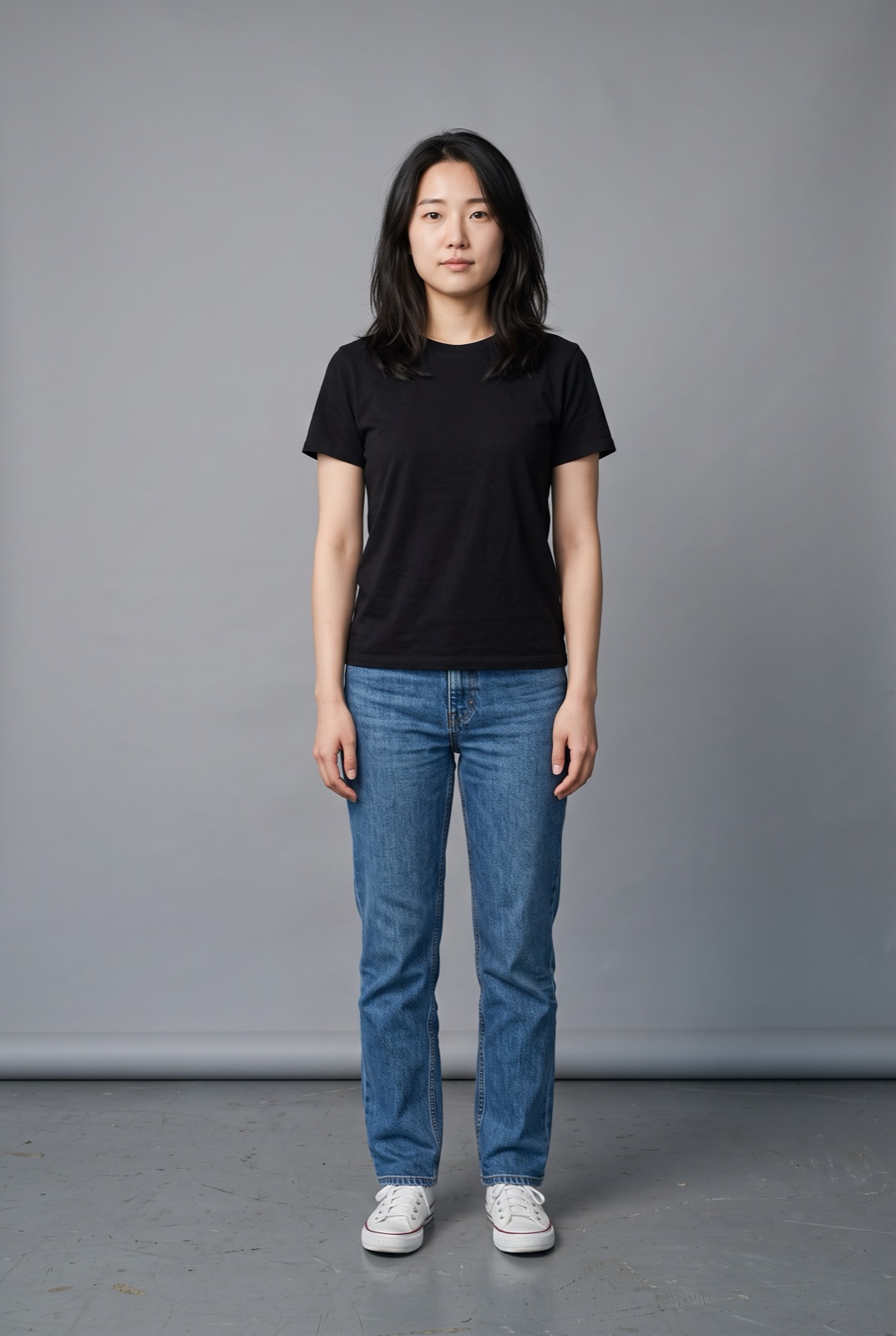
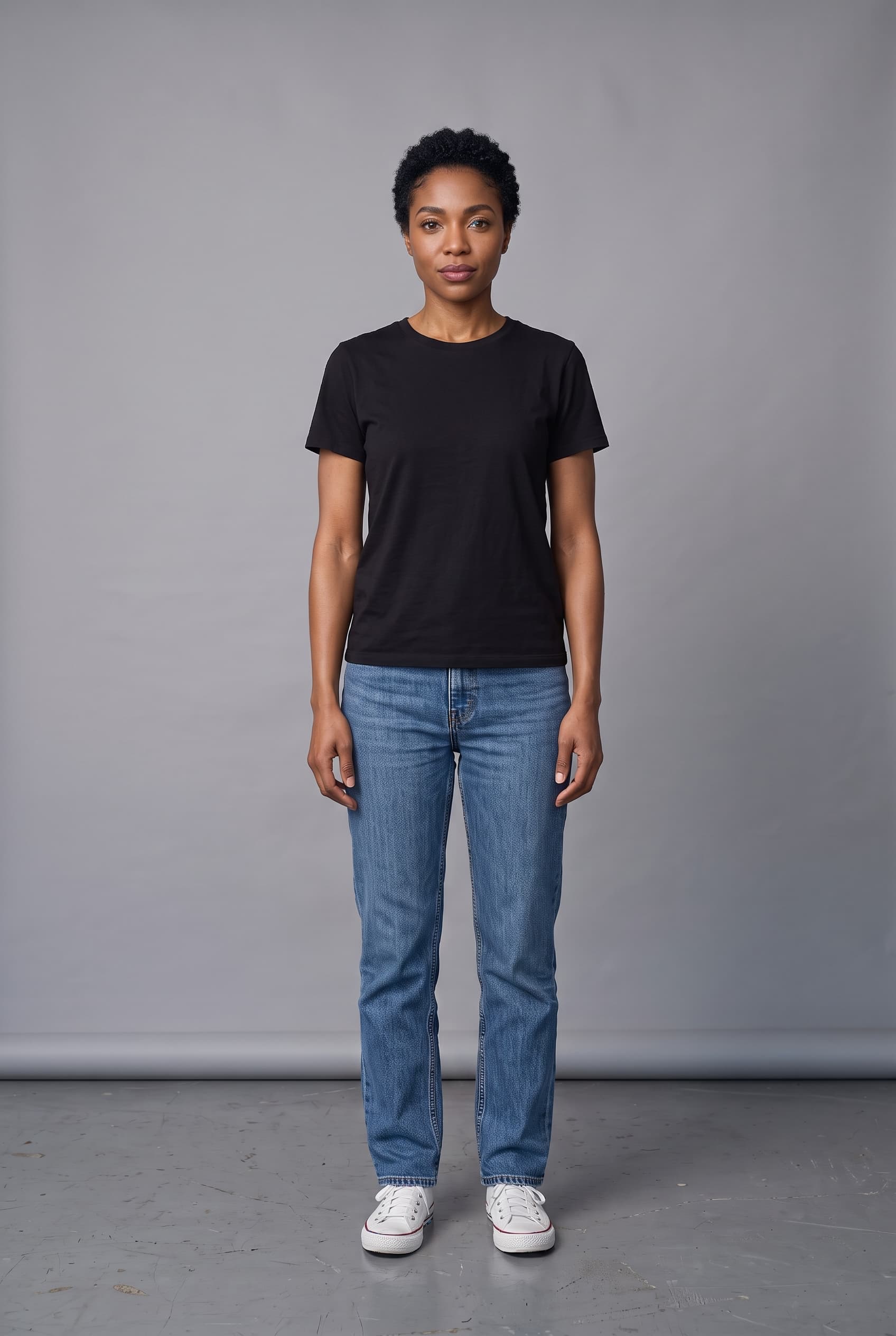
The whole person changes: face, hair, skin tone and body all come from the AI model. The garment, pose, framing, light and backdrop follow the original photo.
Here are two examples.
In the first one, the model faces the camera in a black tee and straight-leg jeans:
In the second one, the model stands at an angle, with one hand in the side pocket of her dress:
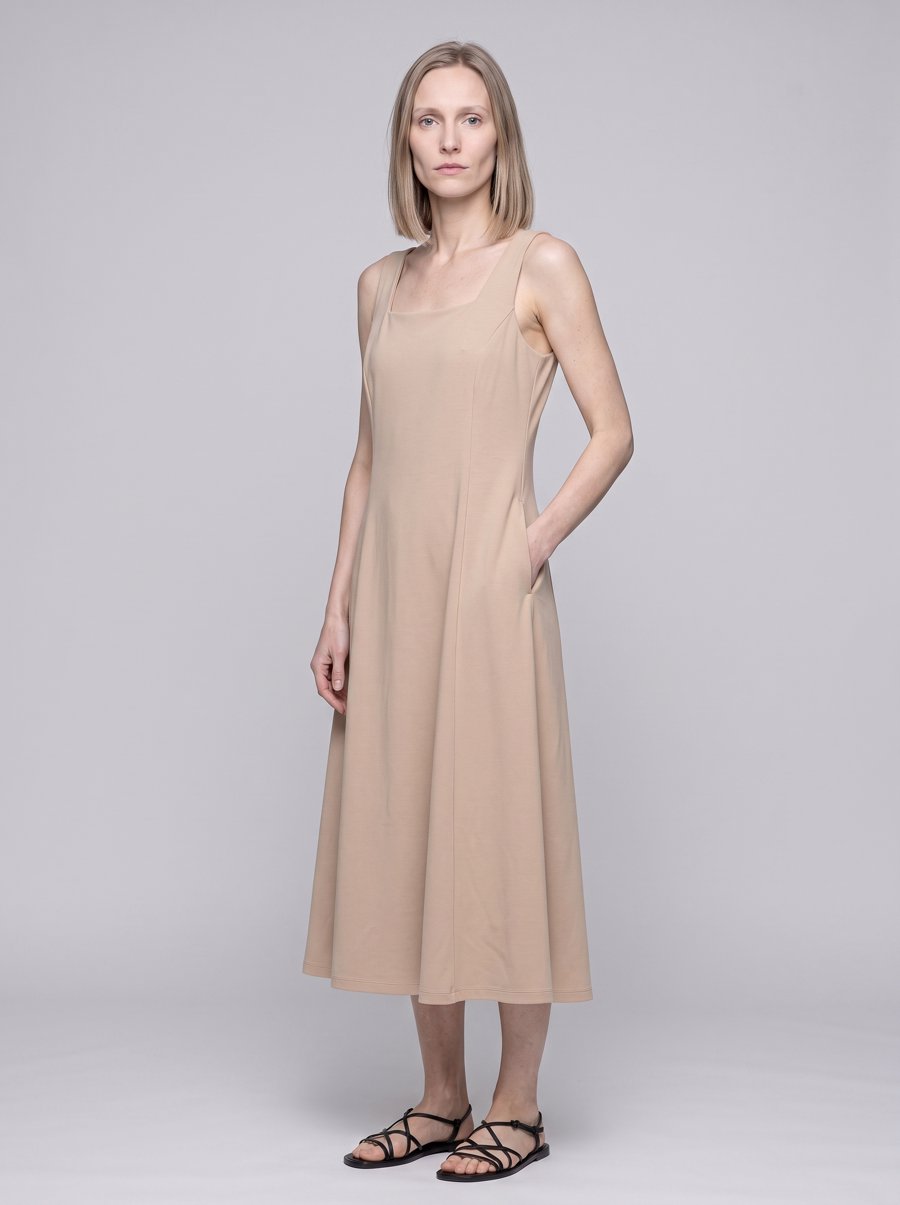
The person is now a mixed-race AI model, and the angle of her body stays the same. The dress's square neckline, straps, pocket and length follow the original, and the same hand is in the pocket.
Before you swap
- The pose comes out closest to the original when the person faces the camera or turns only slightly.
- Put the new photo next to the original and check that the garment colors match before you list it.
- If the person in the original photo is a real model, you need the rights to use that photo. If the AI model you swap in was made from a real person's photos, that person needs to agree too.