Which AI model should you use for clothing photos?
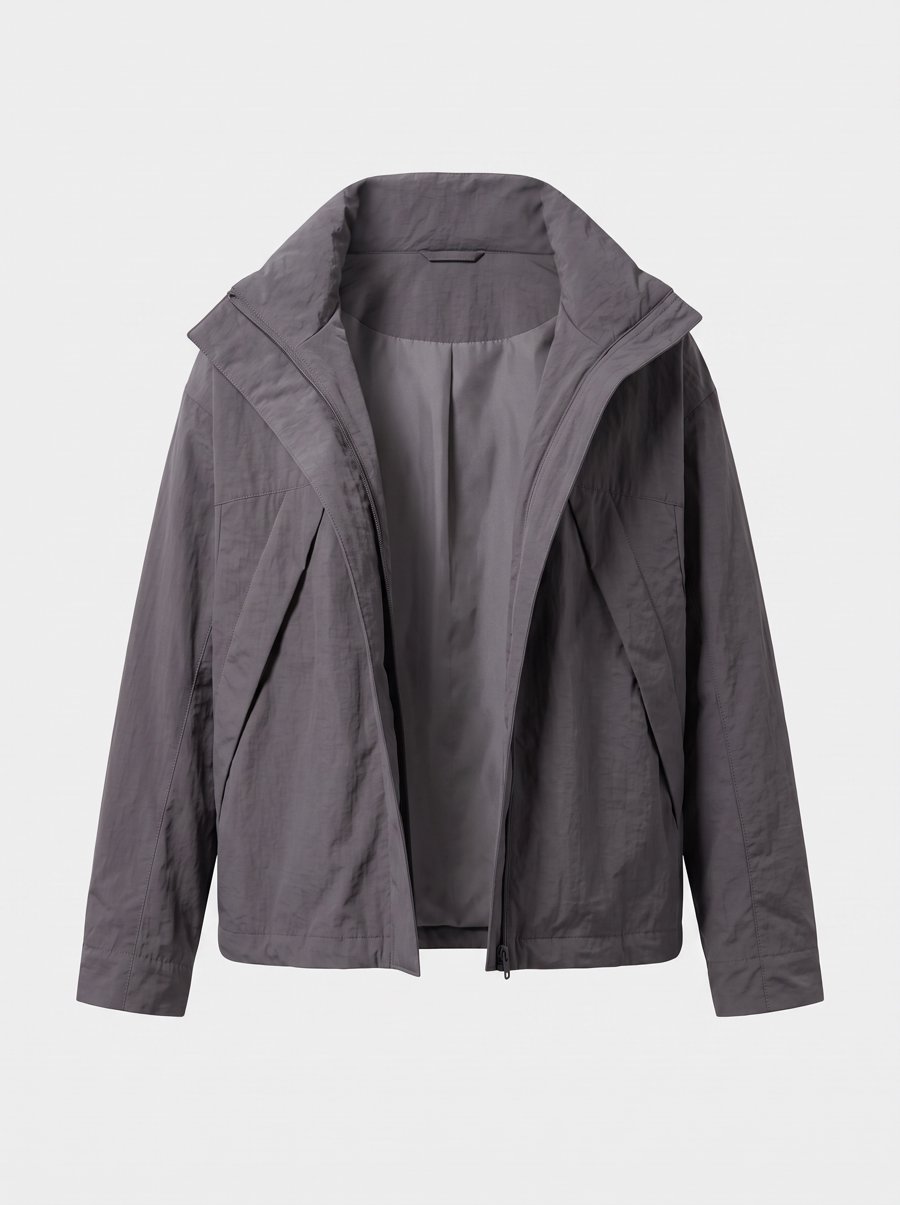
Check whether the garment changed before judging how good the photo looks. Public comparisons do not yet identify a reliable winner for every knit, silk dress or puffer. A useful model choice starts with your own products.
Which model makes fewer product mistakes?
Photoroom tested 850 products, including clothing, shoes, bags and jewelry. Each model used the same prompt at 2K. At least three reviewers checked each image; any flagged product change counted as a fail.
| Model | Images with no product change flagged |
|---|---|
| Nano Banana 2 | 29.0% |
| Nano Banana Pro | 28.2% |
| GPT Image 2 Medium | 27.2% |
| FLUX.2 Klein 9B | 16.8% |
The first three scored closely. The test did not split results by fabric or include GPT Image 2.5. It cannot tell you which model handles your knitwear best or predict your success rate in another tool. Photoroom sells a fidelity-correction service; read the results alongside the test conditions.
Does a leaderboard winner keep your garment accurate?
A preferred image is not necessarily an accurate product photo. Better lighting or a more natural face does not establish that pockets, weave or lettering stayed correct.
Small comparisons can suggest what to try. In on-model's jacket example, GPT Image 2.5 preserved three lines of crest lettering while Nano Banana 2 did not. The vendor's limited examples do not establish a winner for all garments with text.
For swimwear, completion matters too. A seller on Google's forum reported refusals on ordinary retail products. That report does not compare completion rates across models or identify one that will reliably pass.
How do you compare models on your own garment?
- Choose an item you sell often, with details that matter. A label, unusual pocket or repeating pattern can make differences easier to spot.
- Keep the inputs fixed. Use the same product photos, reference photo and instructions. Match resolution and aspect ratio where possible; record versions and quality settings.
- Generate a few images per model, including the failures. Picking only the best result can mistake a lucky generation for a repeatable advantage.
What should you check before publishing?
| Check | Look at |
|---|---|
| Cut and color | Length, shoulder and waist lines, silhouette, color shifts |
| Fabric and print | Weave, sheen, stripe spacing, print placement |
| Parts and lettering | Pocket and button counts, zips; every letter on logos and labels |
| Model and shot | Identity, pose, angle and lighting |
Reject images that alter the garment, then compare speed and cost. If a few outputs do not show a clear difference, keep the decision open. One item cannot establish a winner for its whole category.
Which product photos should you provide?
Include the front and back. Add close-ups where a label, cuff or fabric detail is hard to see, so the model receives the details you want preserved.
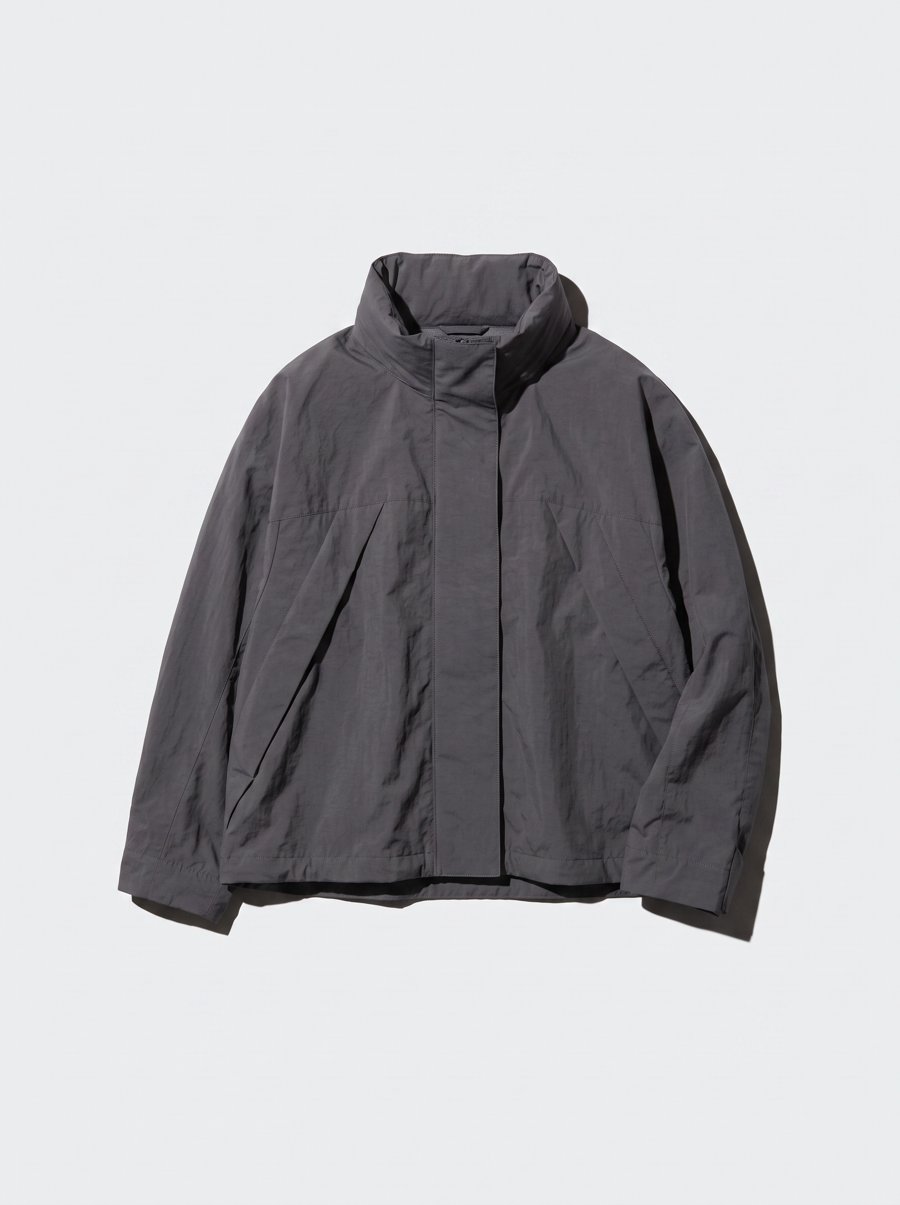
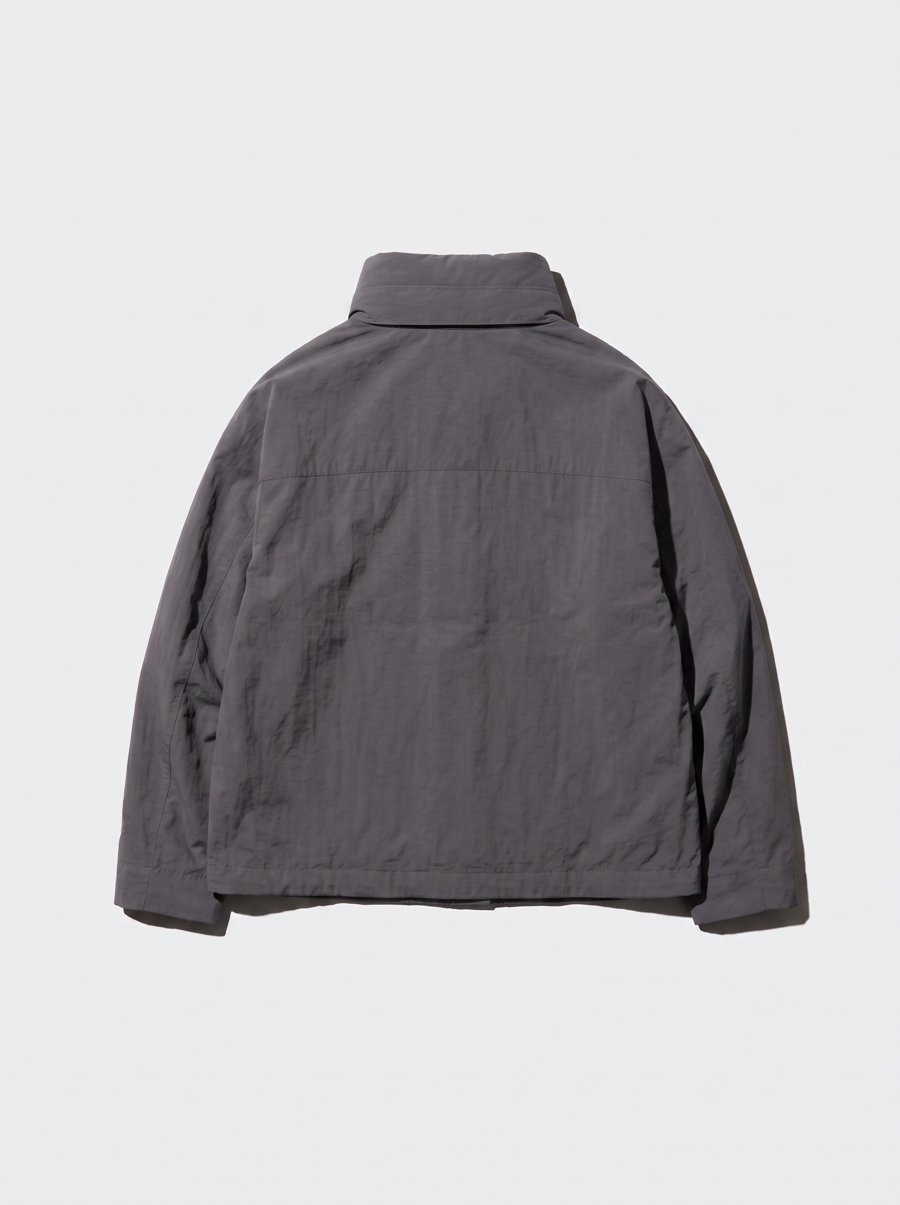
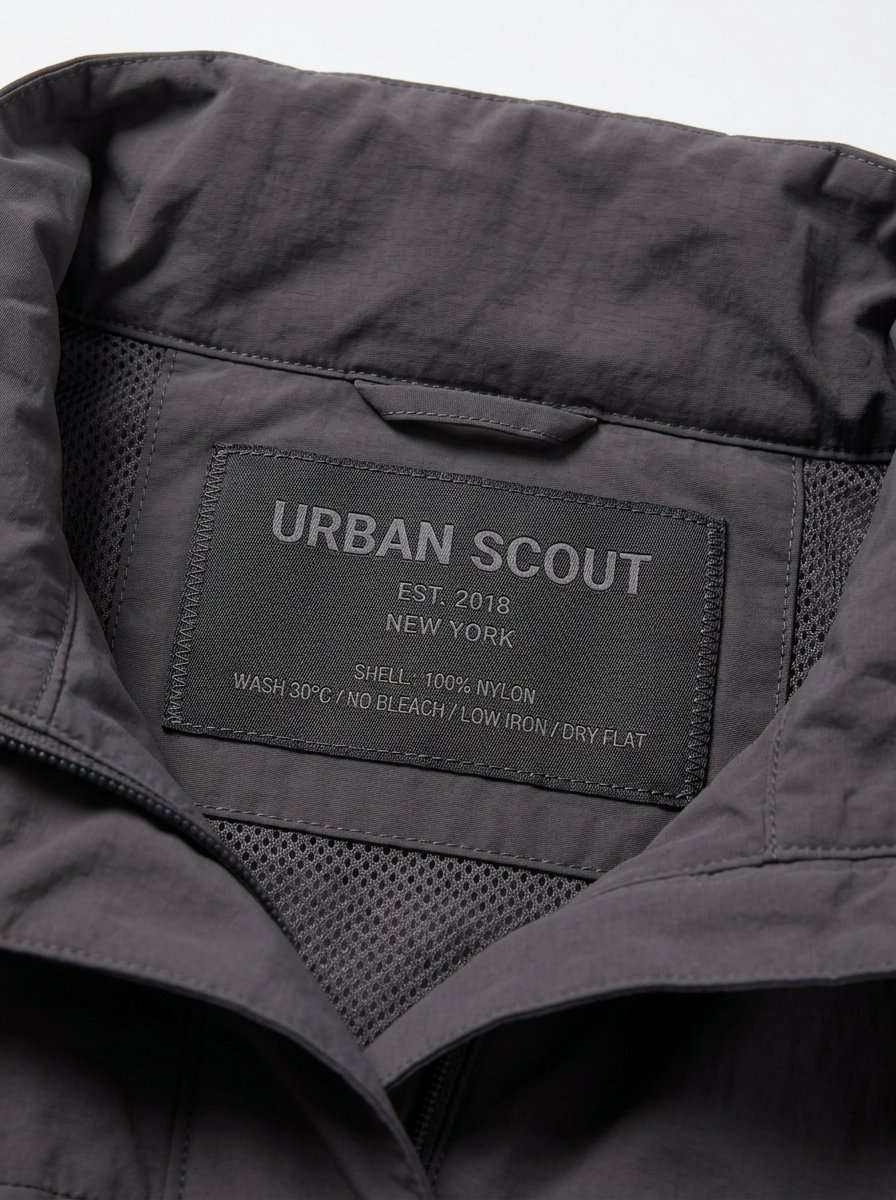
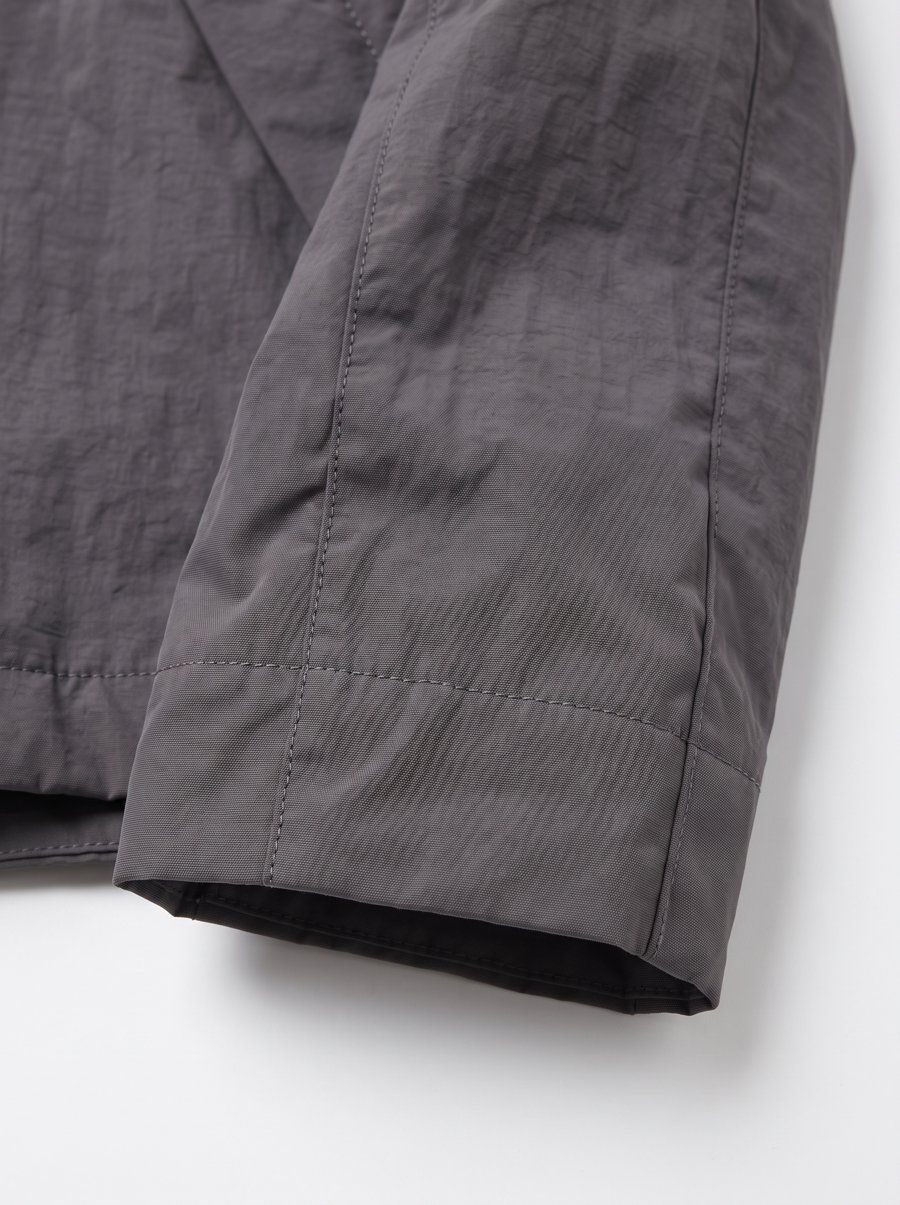
Official AI samples showing photo coverage, not a real-product fidelity test.
To check whether added photos help, keep the model fixed and test the inputs separately. In Truest Lens, you can compare Nano Banana 2, Nano Banana Pro and GPT Image 2.5 with the same inputs, then choose from results on your products.