AI Clothing Photography: Turn Product Photos into Model Shots
Every new style needs a full set of photos: a main image, the back, a few close-ups, and some shots of a model wearing it. Booking a model and a studio for every style gets expensive fast, and it hurts most when you don't know yet which styles will sell.
Truest Lens does AI clothing photography. You give it photos of the garment and show it what you want the final shot to look like. It gives you model shots, product shots and close-ups of that exact garment. No prompt writing.
Every example below comes from our own sample library. The garment photos in these examples were also AI-generated, to show how it works.
Step 1: Photograph the garment clearly
The AI can only be as accurate as your photos, so clear photos give you results that look like the real piece.
- One photo of the front, one of the back.
- The photos you already have are usually fine. Laid flat on a table, on a hanger, or on a mannequin all work. Just get the whole garment in the frame.
- If something is hard to see in the full shot, like the fabric texture, the waistband or the buttons, add a close-up of it.
For this pleated midi skirt, we used four photos: front and back laid flat, a close-up of the fabric, and a close-up of the waistband.
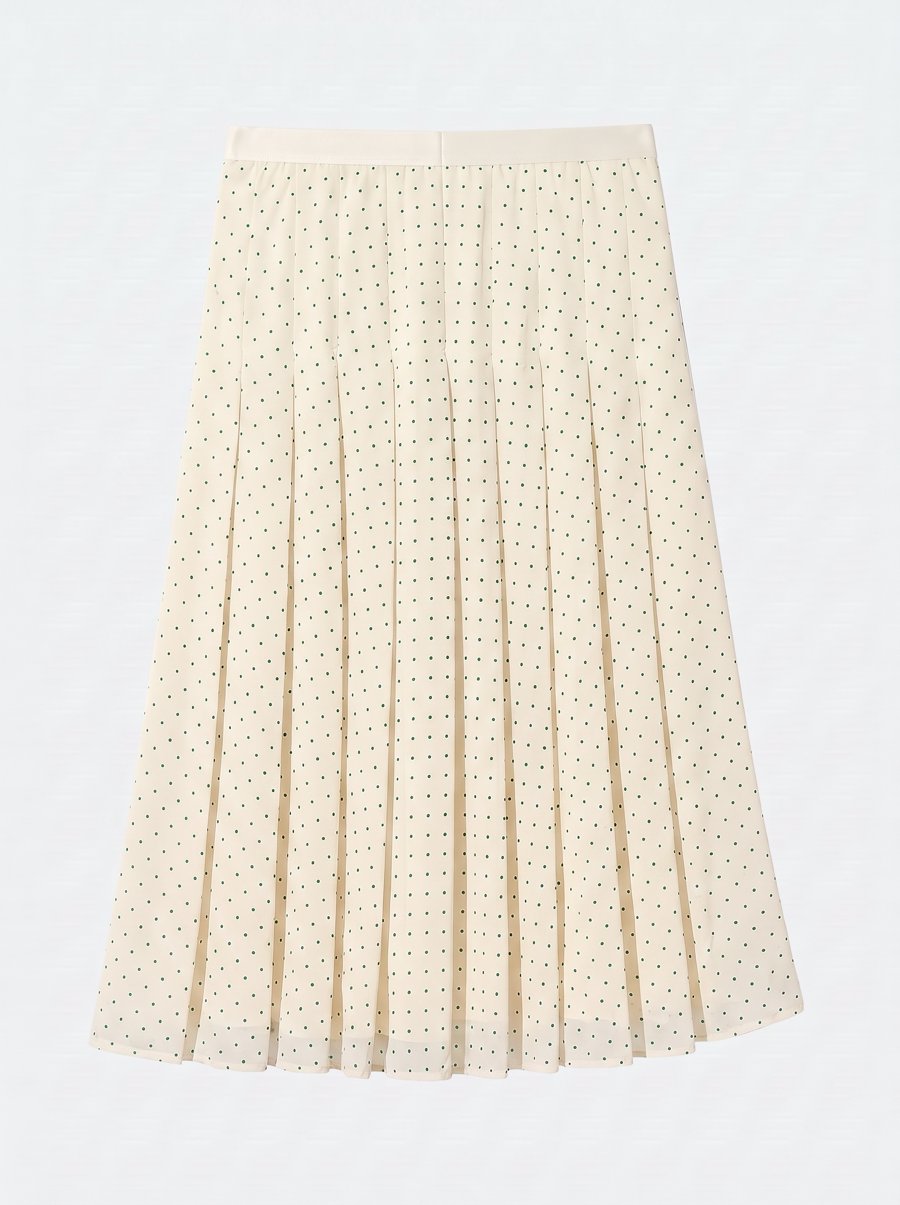
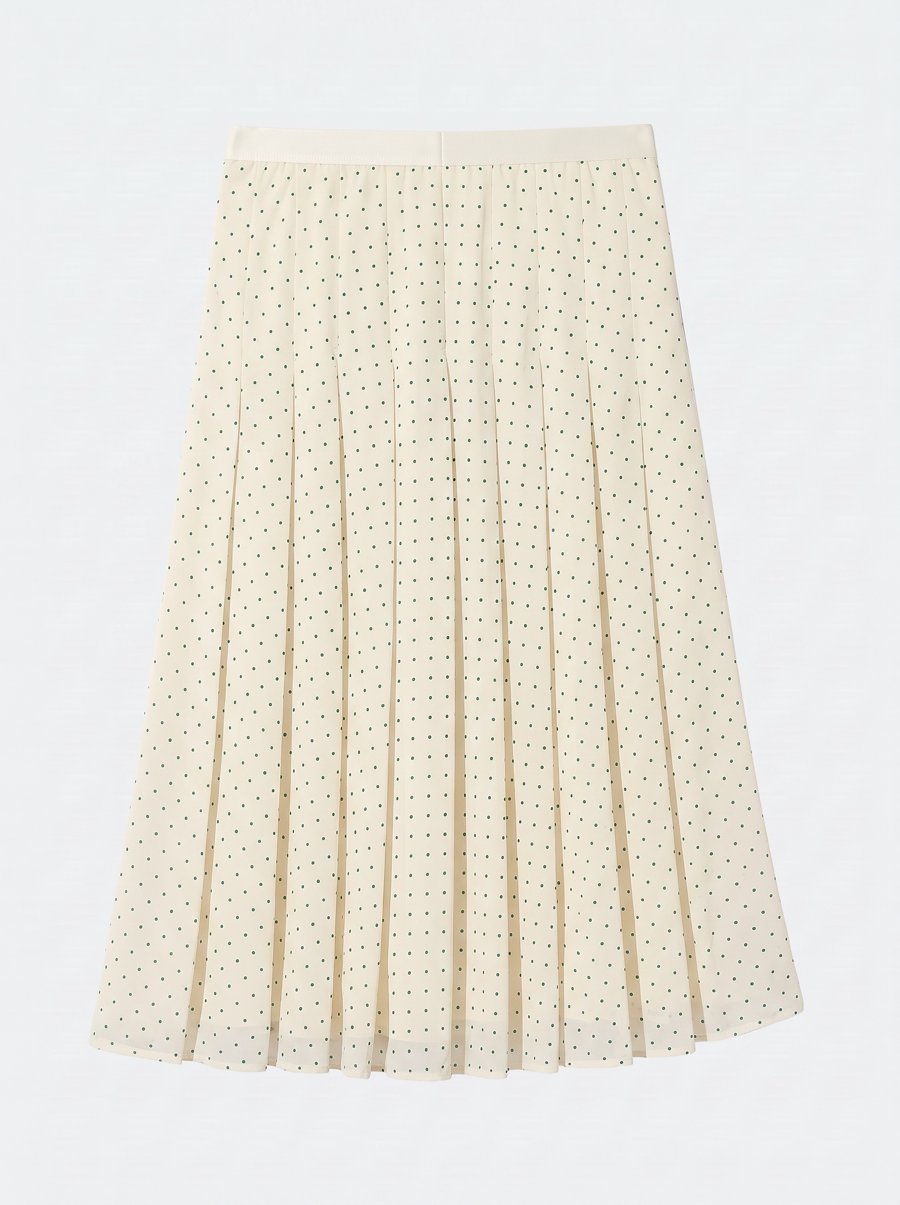
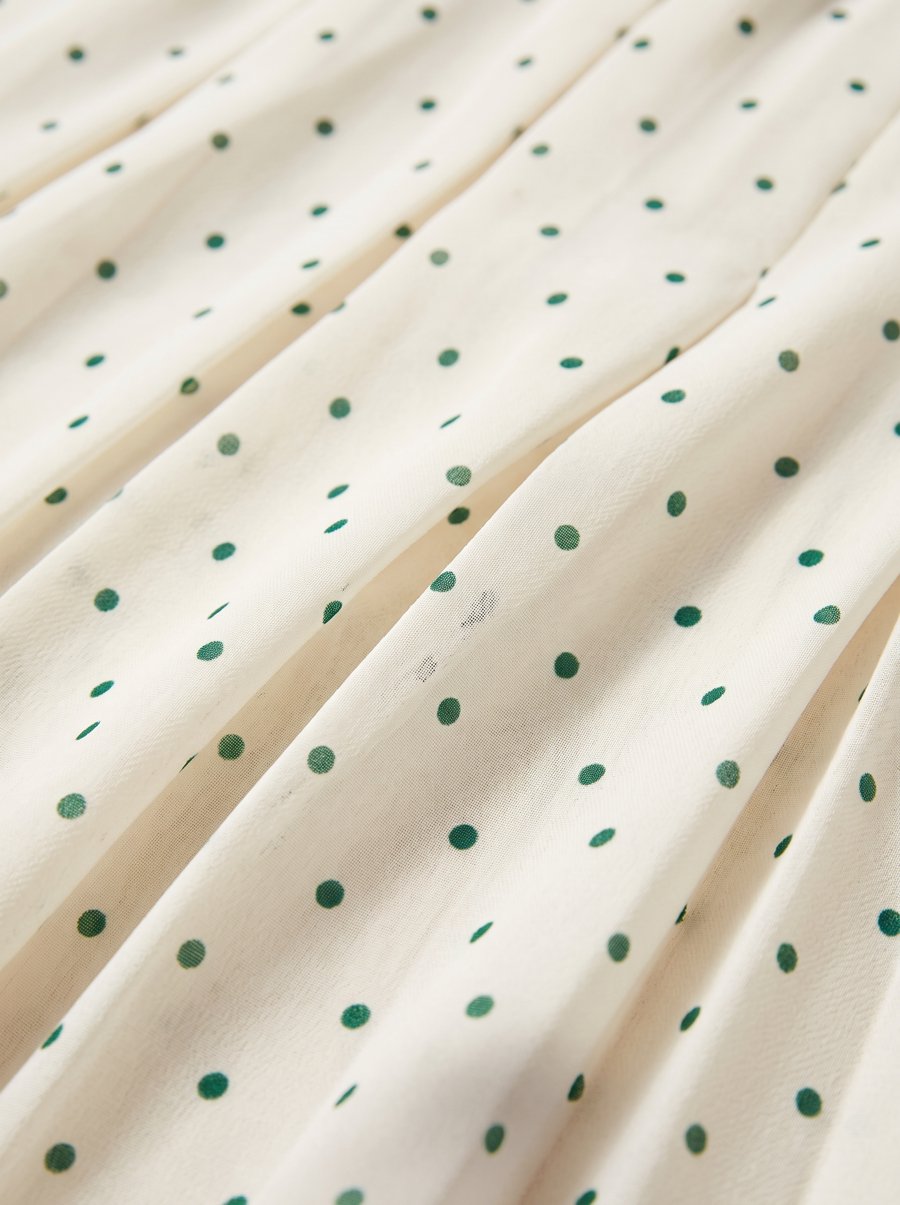
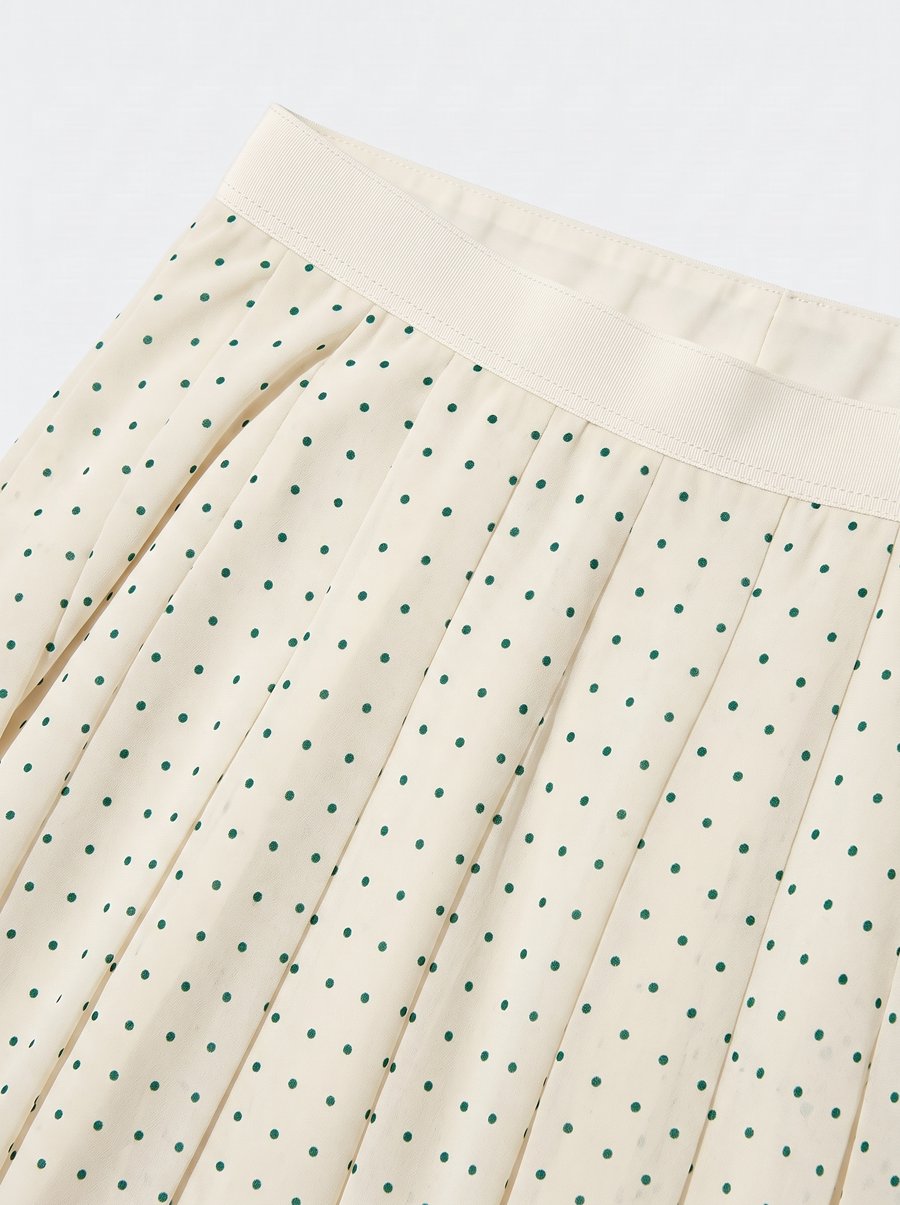
A garment laid flat and shot from above like this is what photographers call a flat lay.
Step 2: Show it the shot you want
You don't describe the shot in words. You pick a photo you like, which we call a reference photo. Truest Lens swaps your garment into it and keeps the pose, background, lighting and framing.
Whatever you want, show an example of it:
- Want a model standing straight on? Pick a photo of a model standing straight on.
- Want a street-style look? Pick a street-style photo.
- Want the garment to hold its shape with no one inside it? Pick a photo like that.
No reference photos yet? The workspace has a Discover library of sample photos you can browse by type of shot and type of garment. Click one to use it. Later, any result you're happy with can be the reference for your next product.
Submit once, get the whole set
Add one reference photo for each kind of shot you want and submit once. You get every kind back, and you can ask for a few versions of each to pick the best.
Back to the skirt. We added its four photos plus a white tee, so the model wears them together. The references were four photos of a different dress: front, back, a new pose and a street scene.
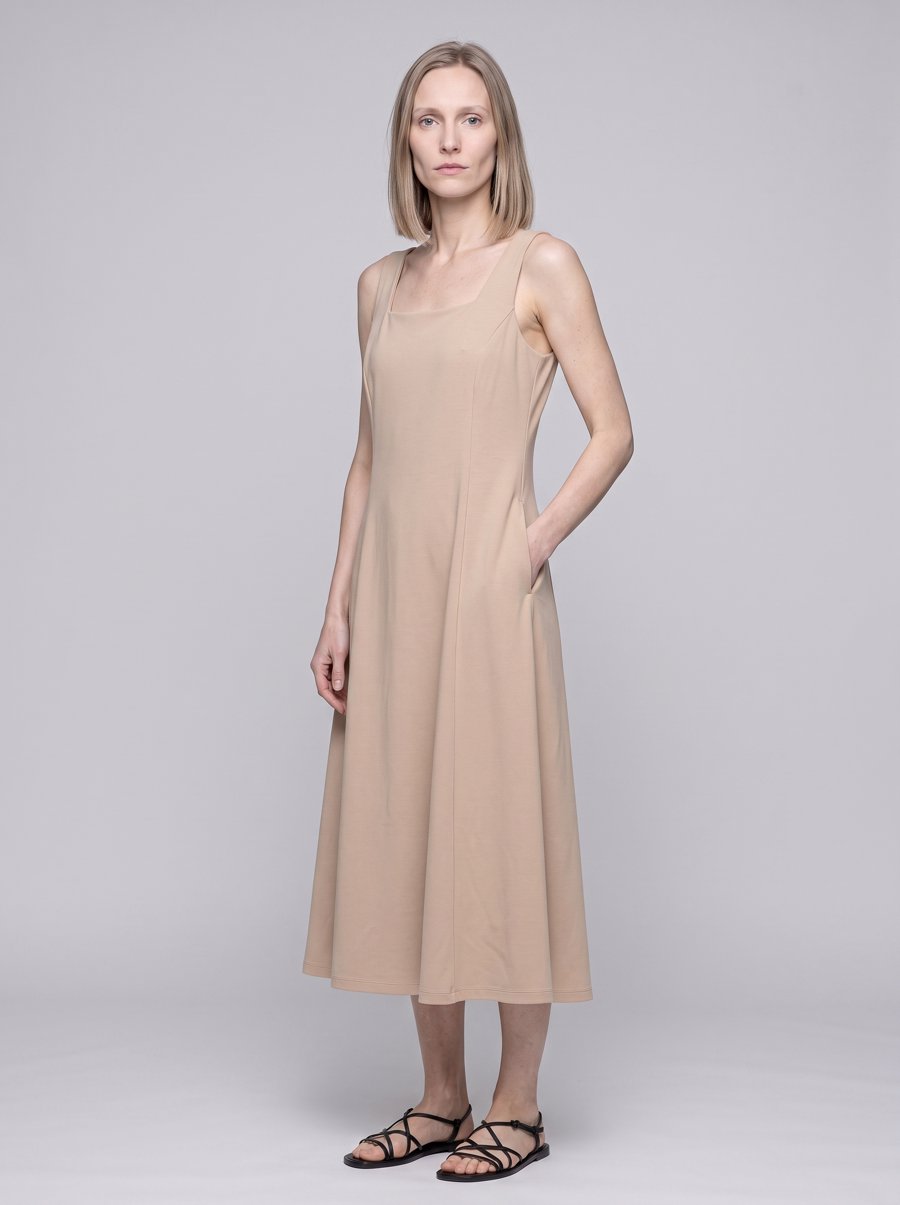
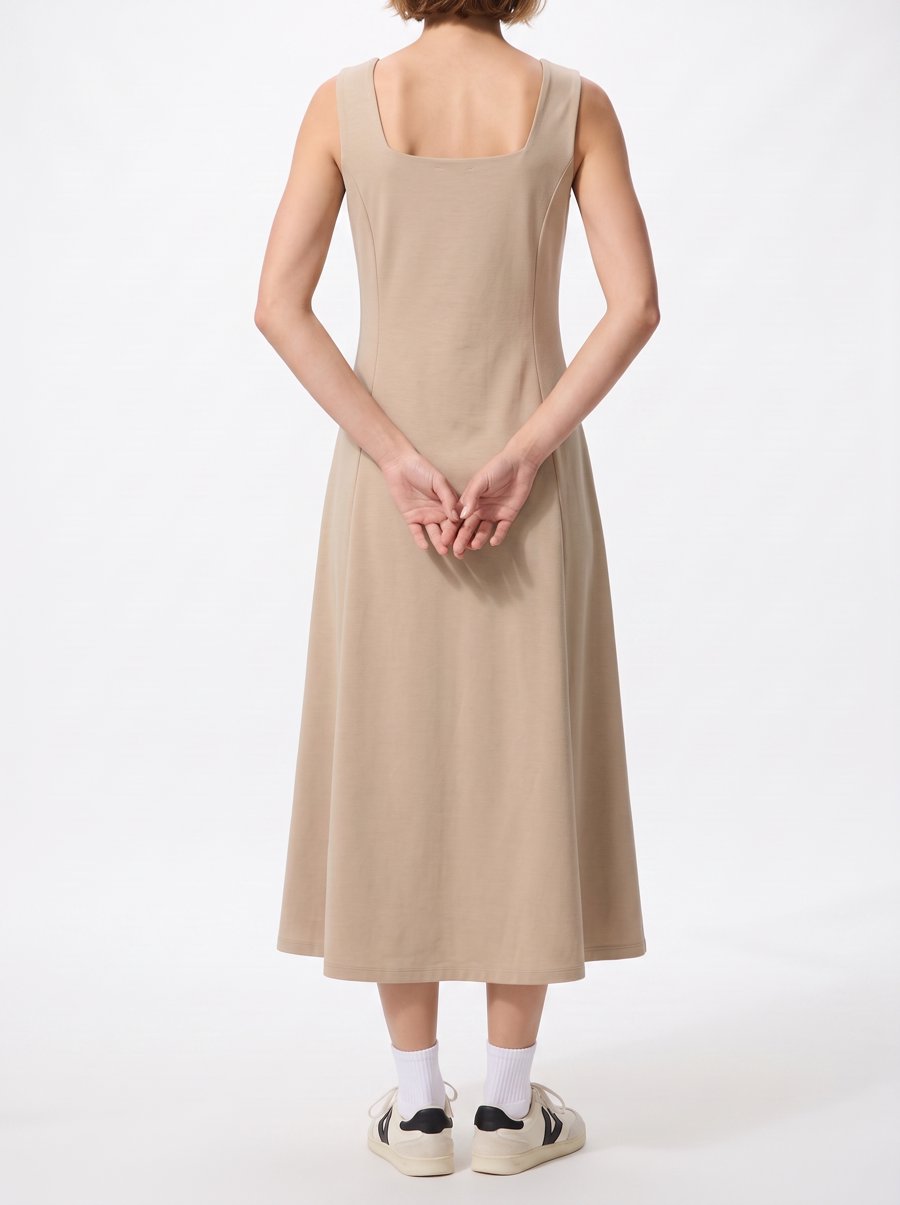
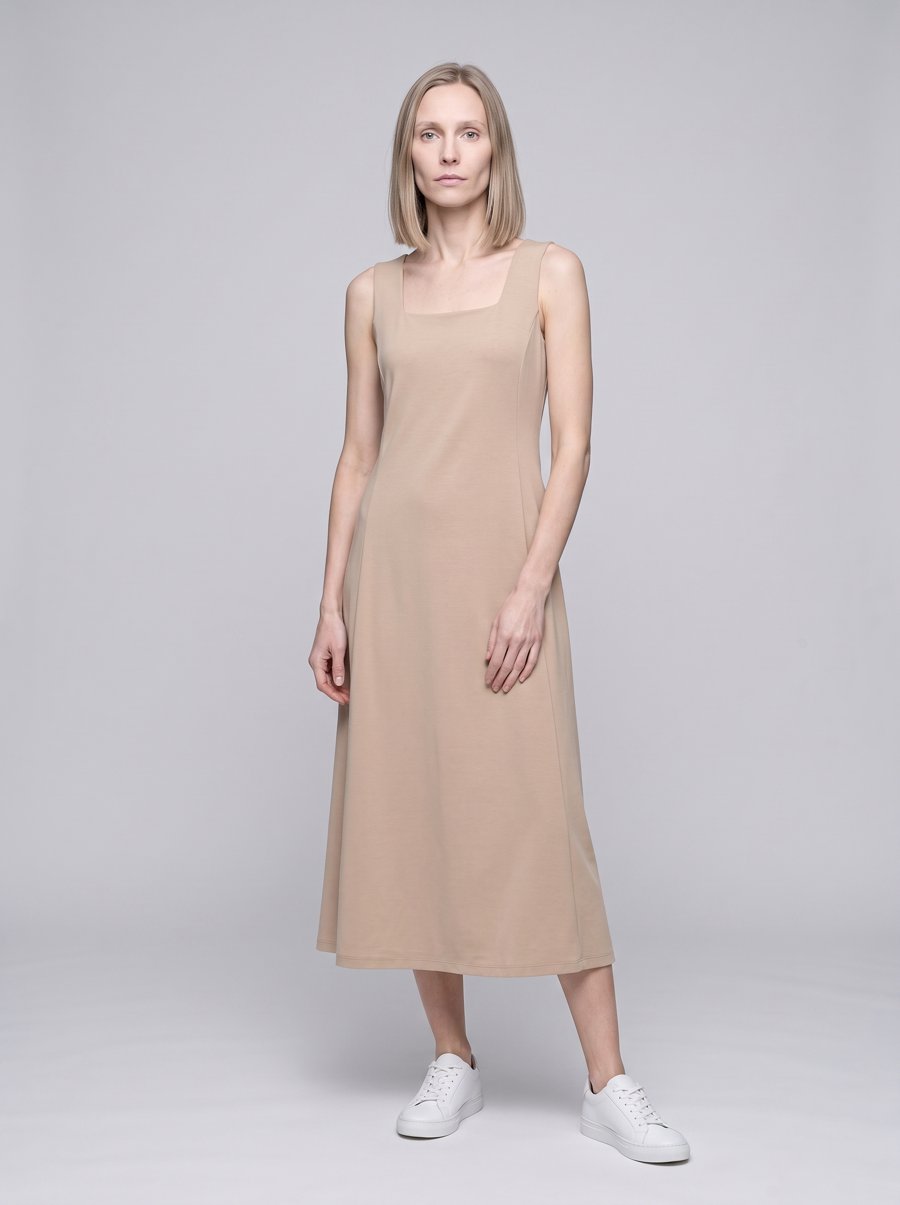
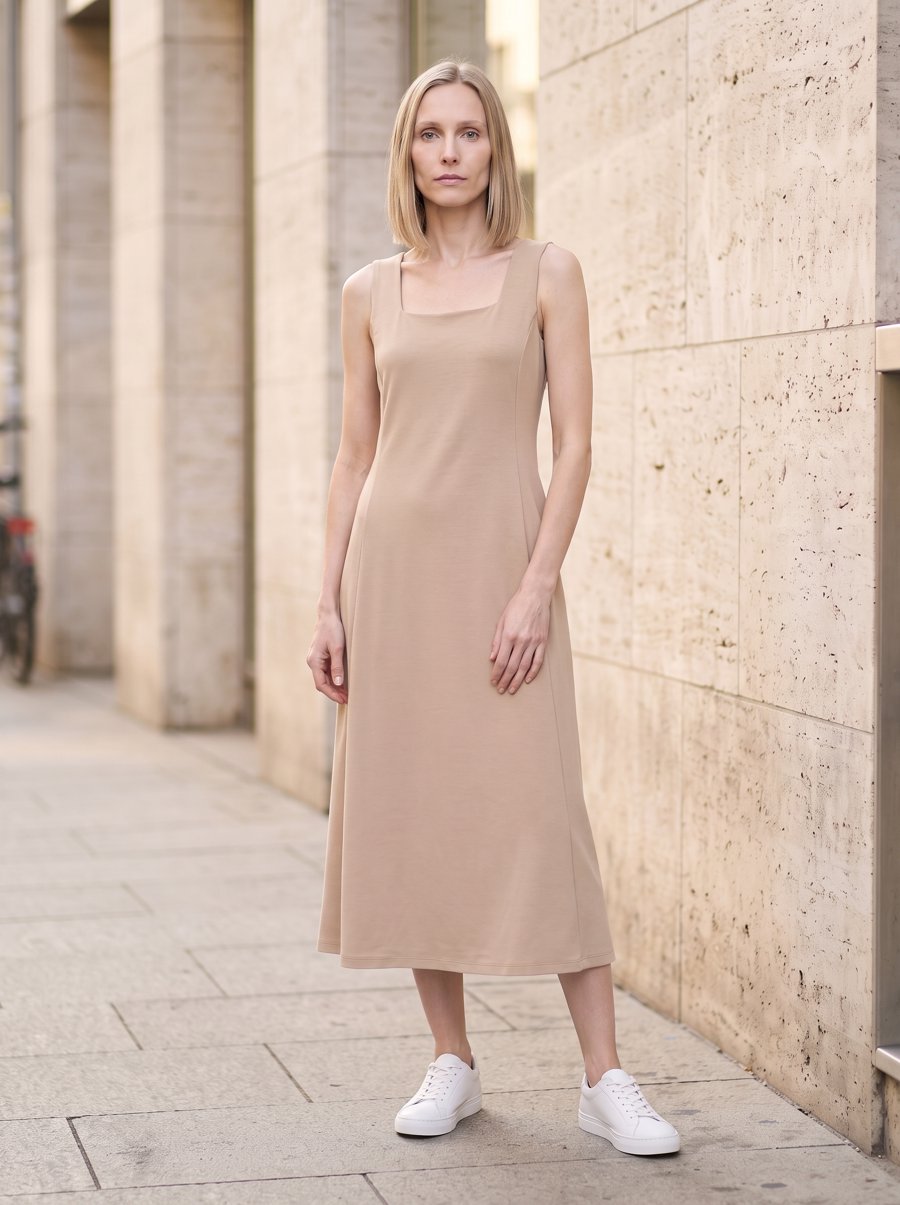
One submission, four photos of the skirt on a model:
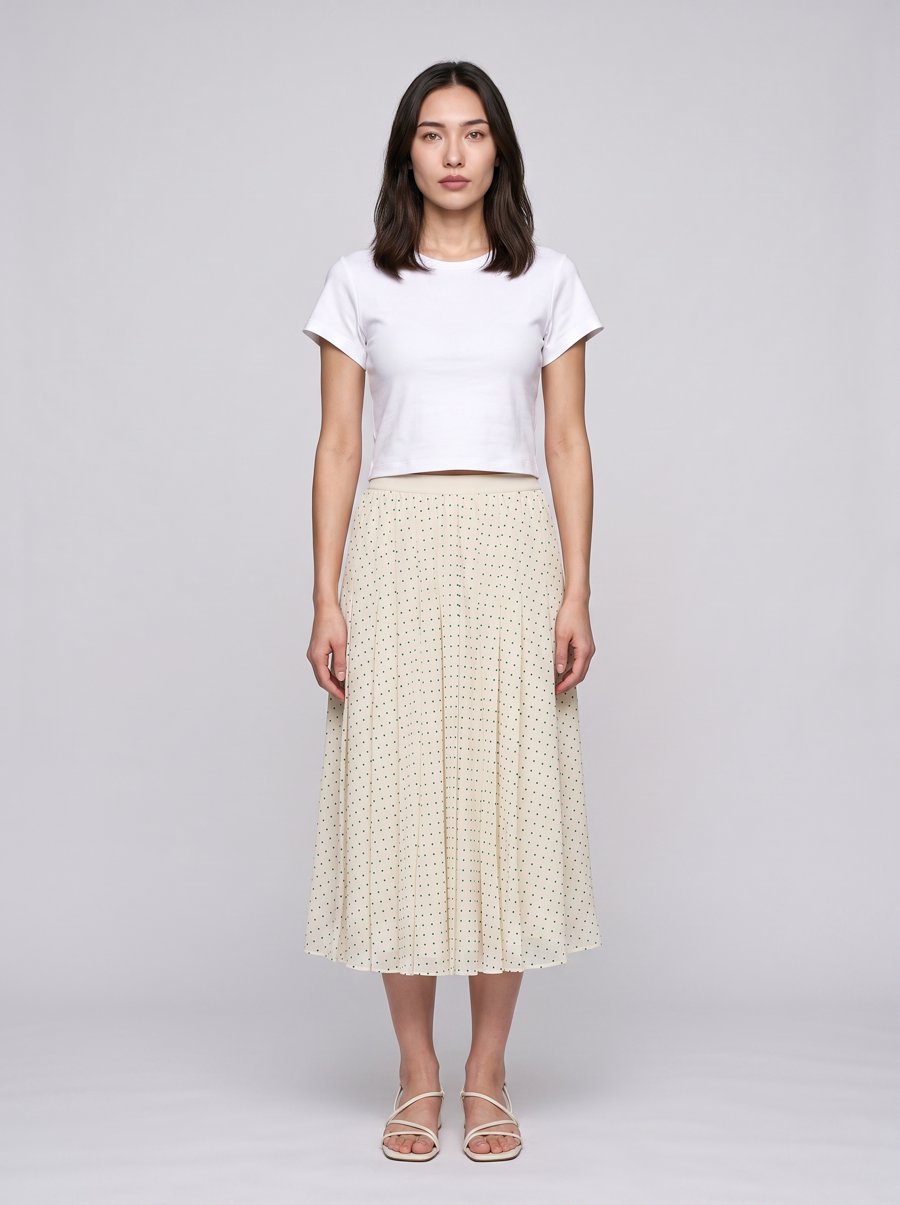
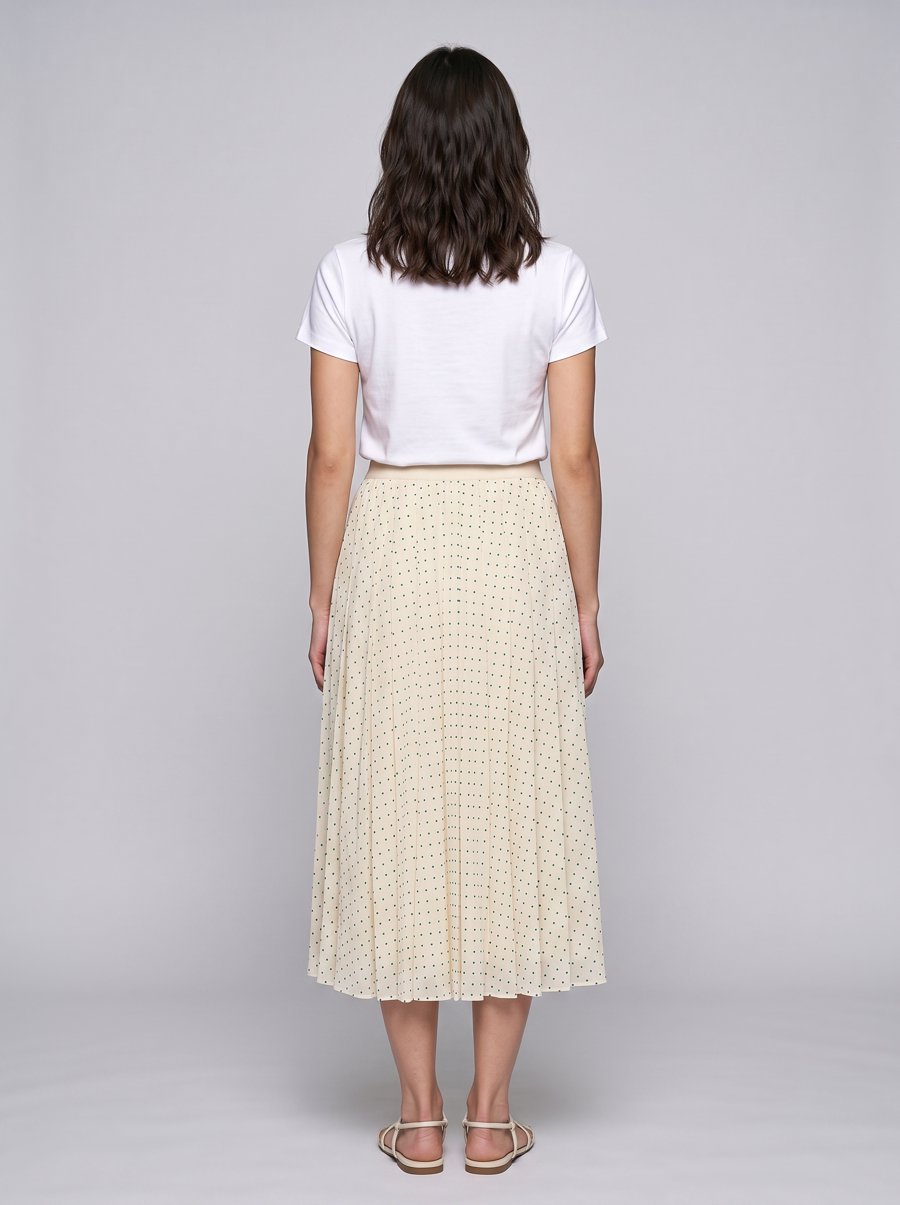
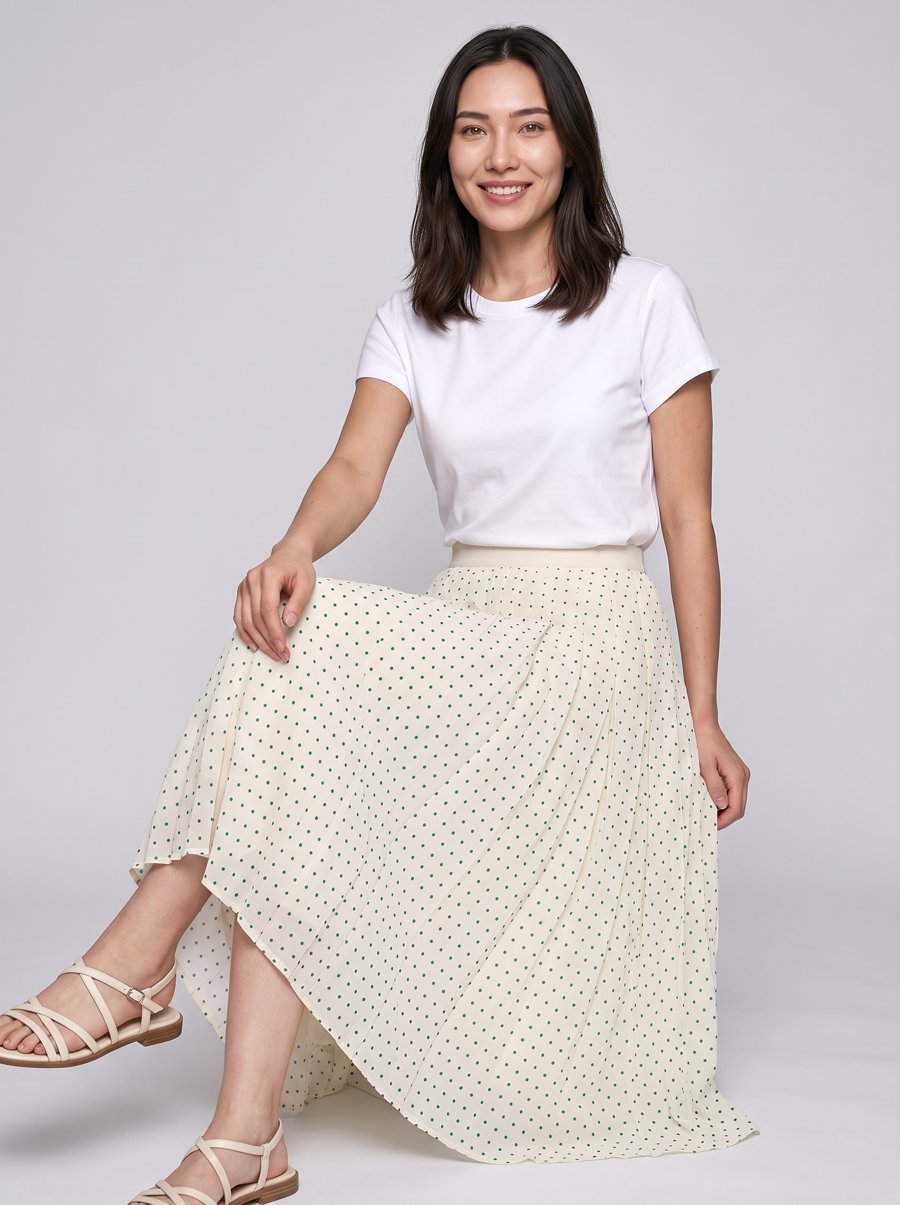
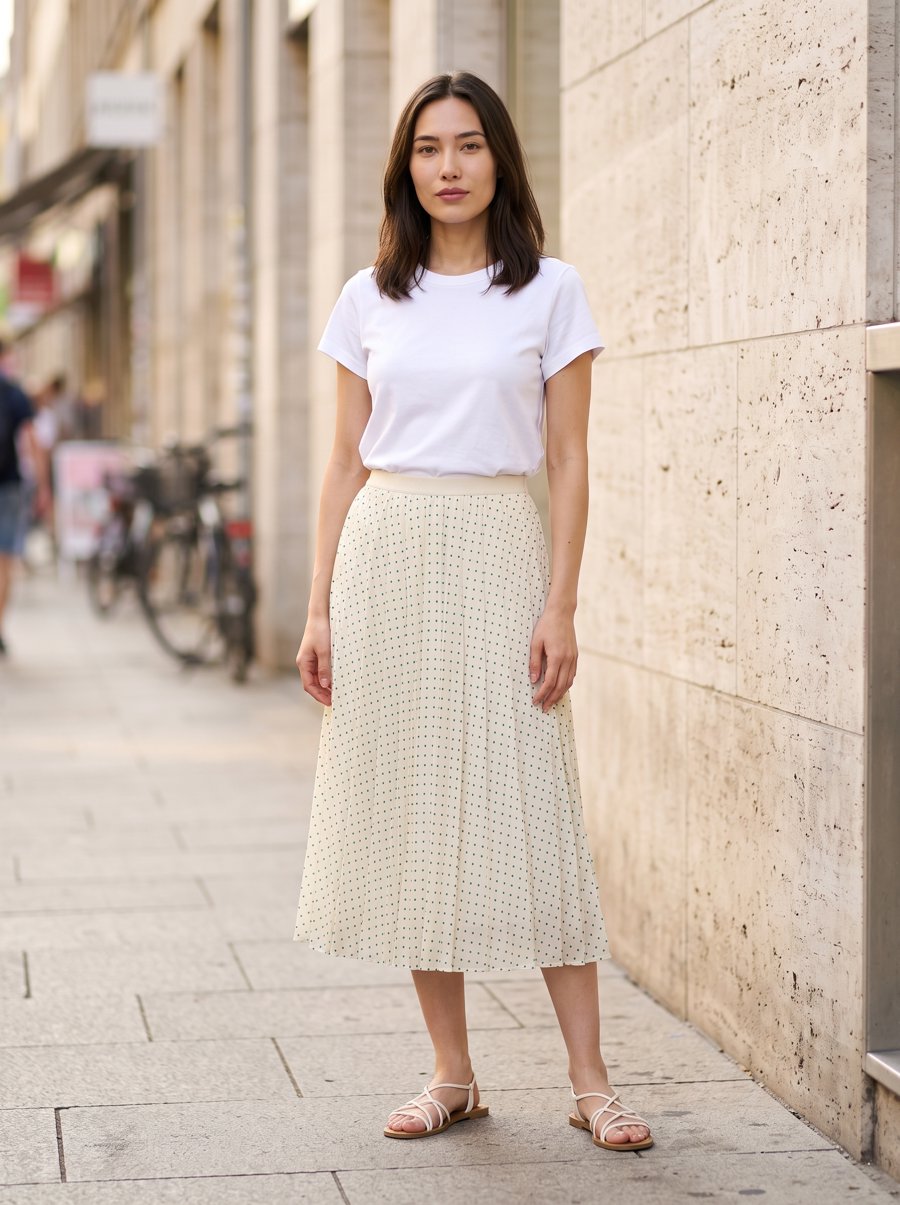
Compare them: the pose, background and light come from the references. The polka dots, the pleats and the waistband come from your photos.
Shots without a model, too
Main images and close-ups work the same way.
For this green dress, we only had front and back photos laid flat, and one on a hanger:
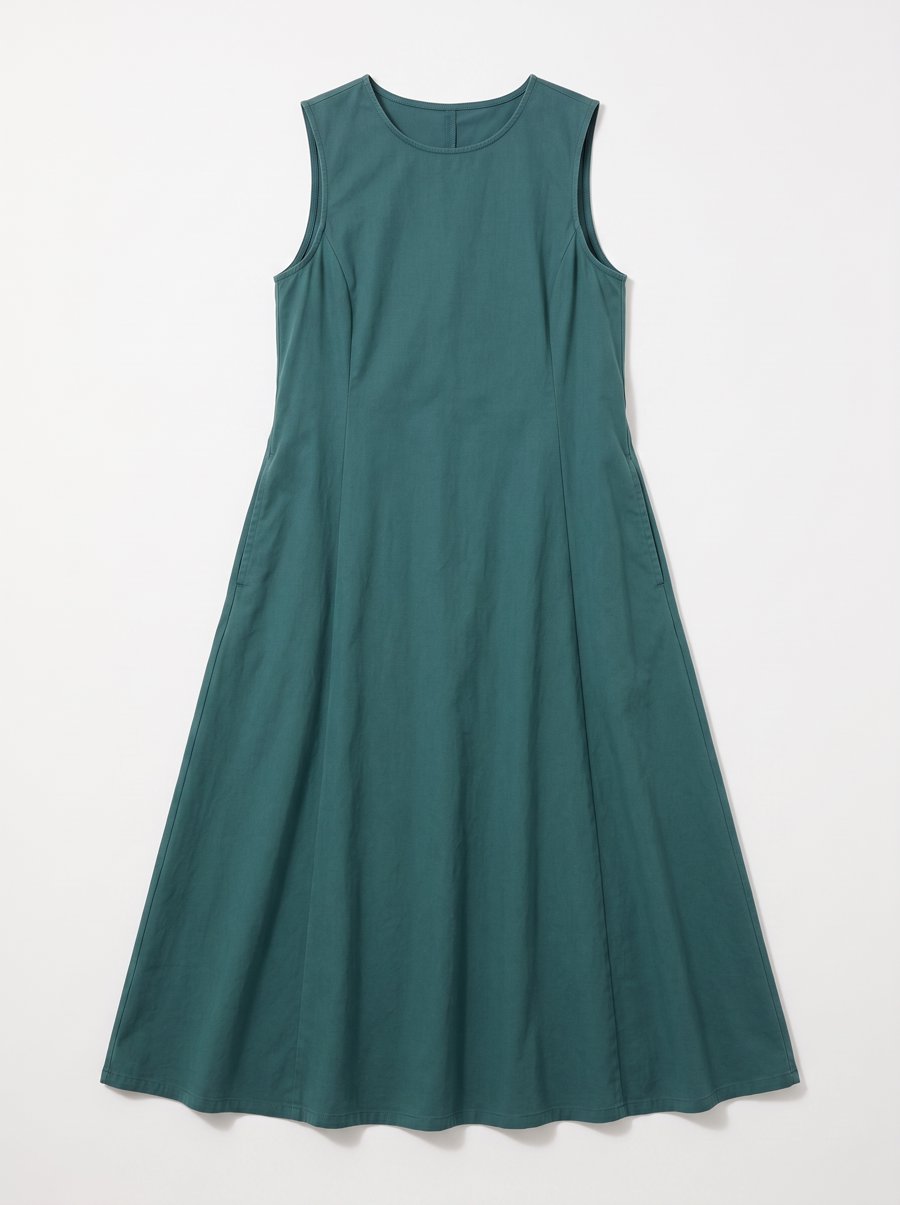
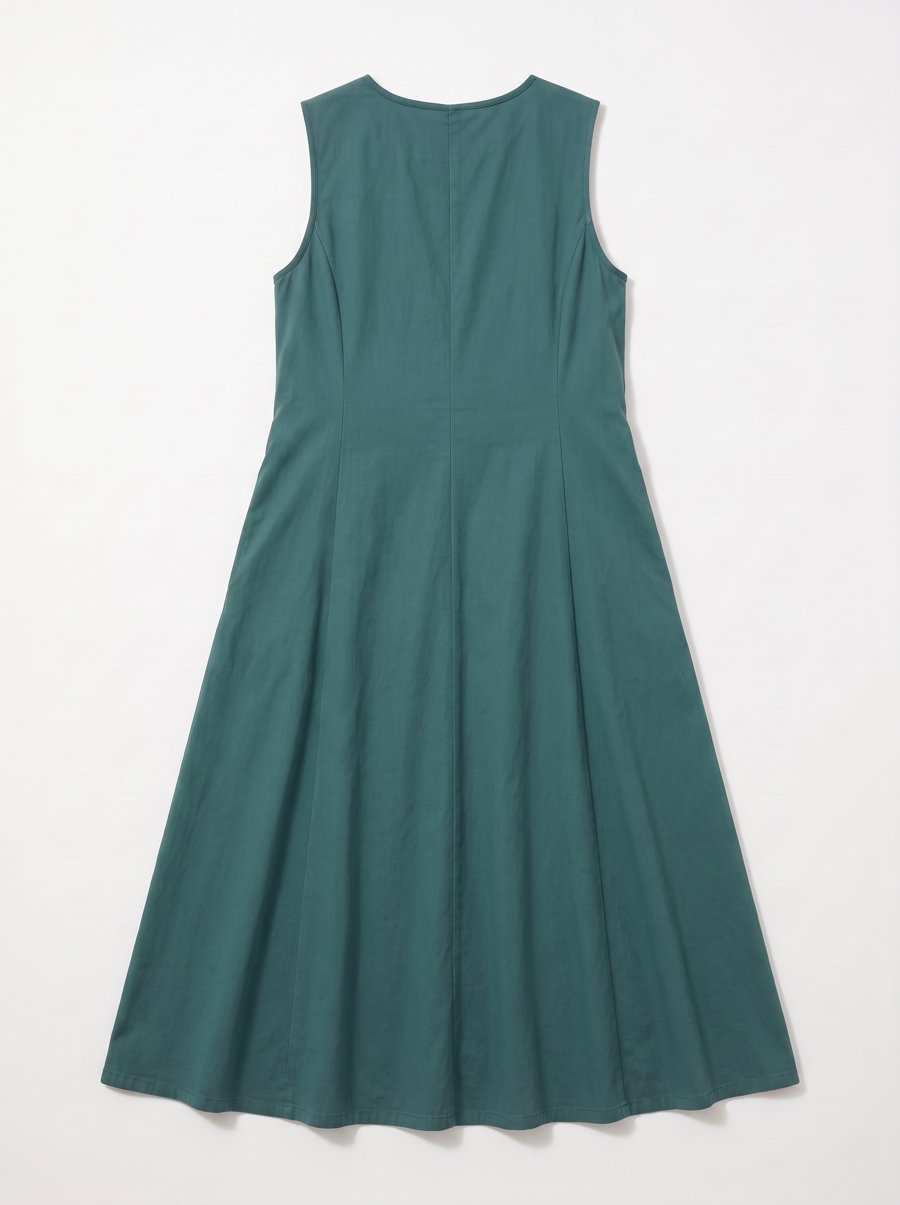
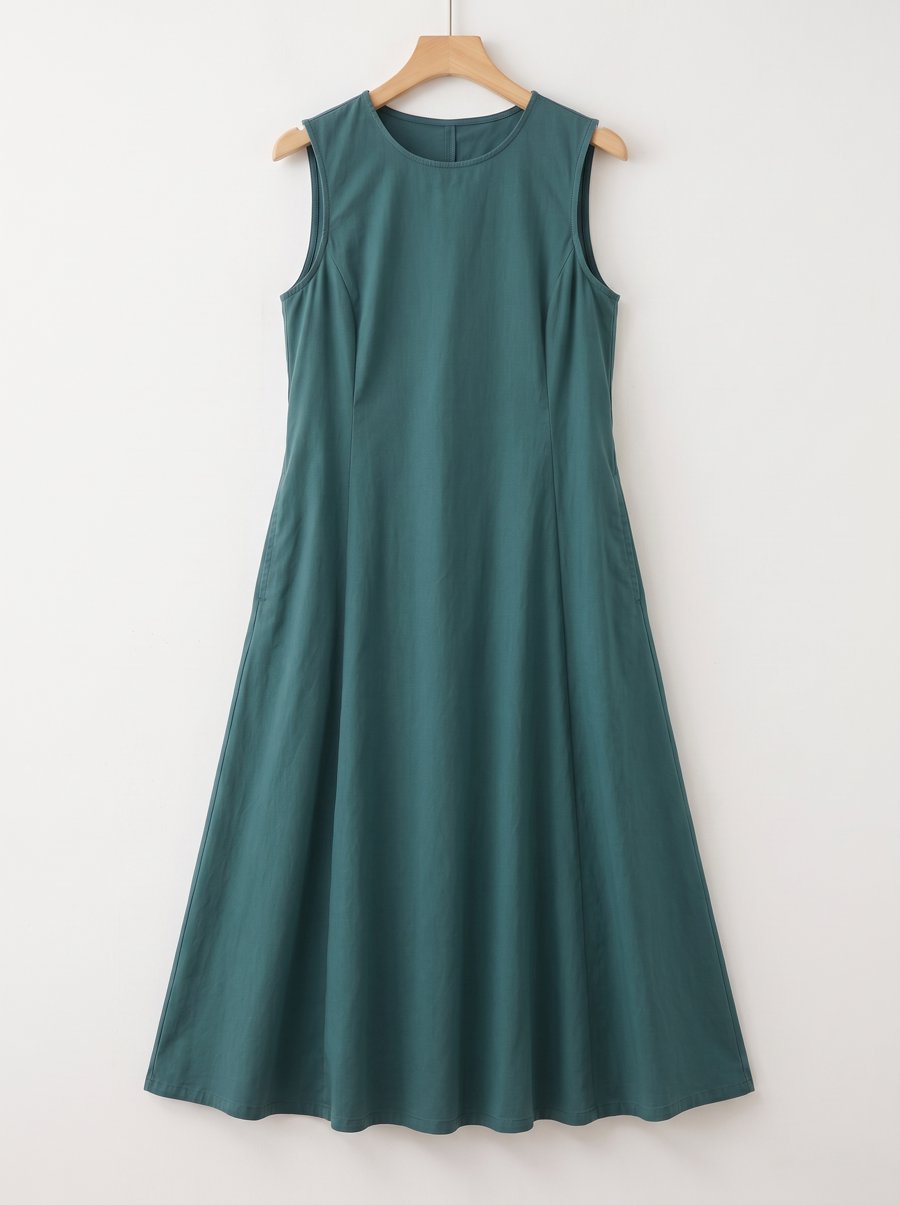
The references were the front and back of a different dress shot as if worn by an invisible person. This is called a ghost mannequin shot: it shows how the garment fills out when worn, without a model taking attention away from it.
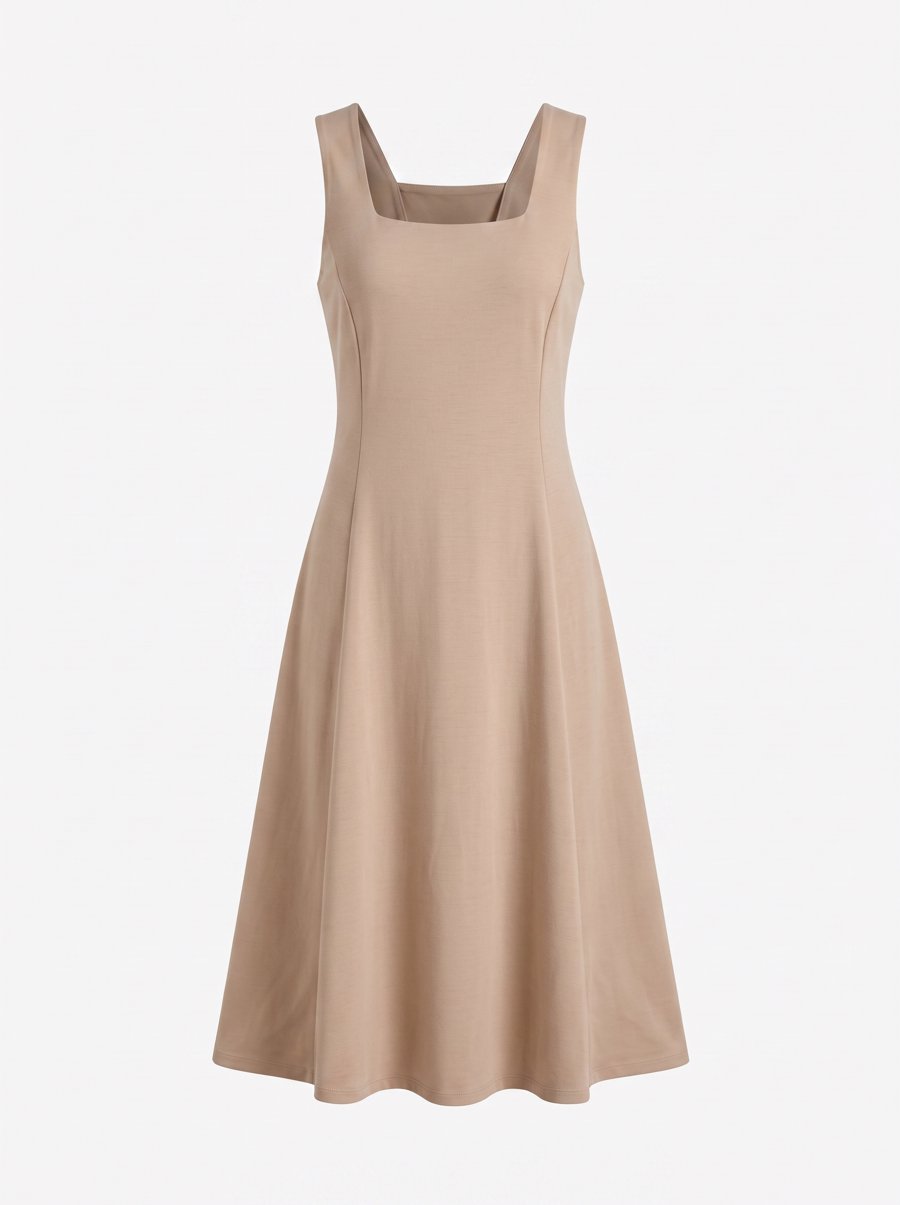
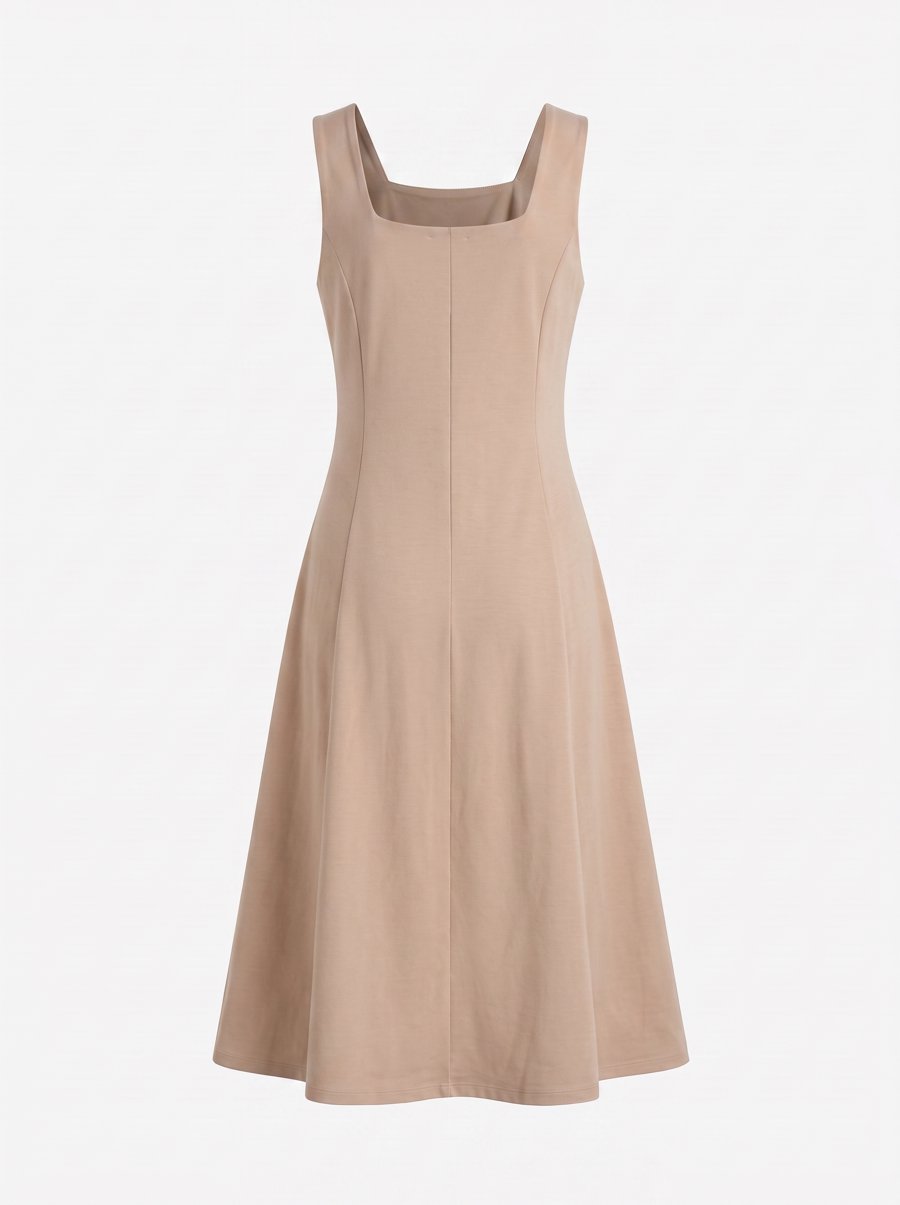
What came back was a ghost mannequin of the green dress itself:
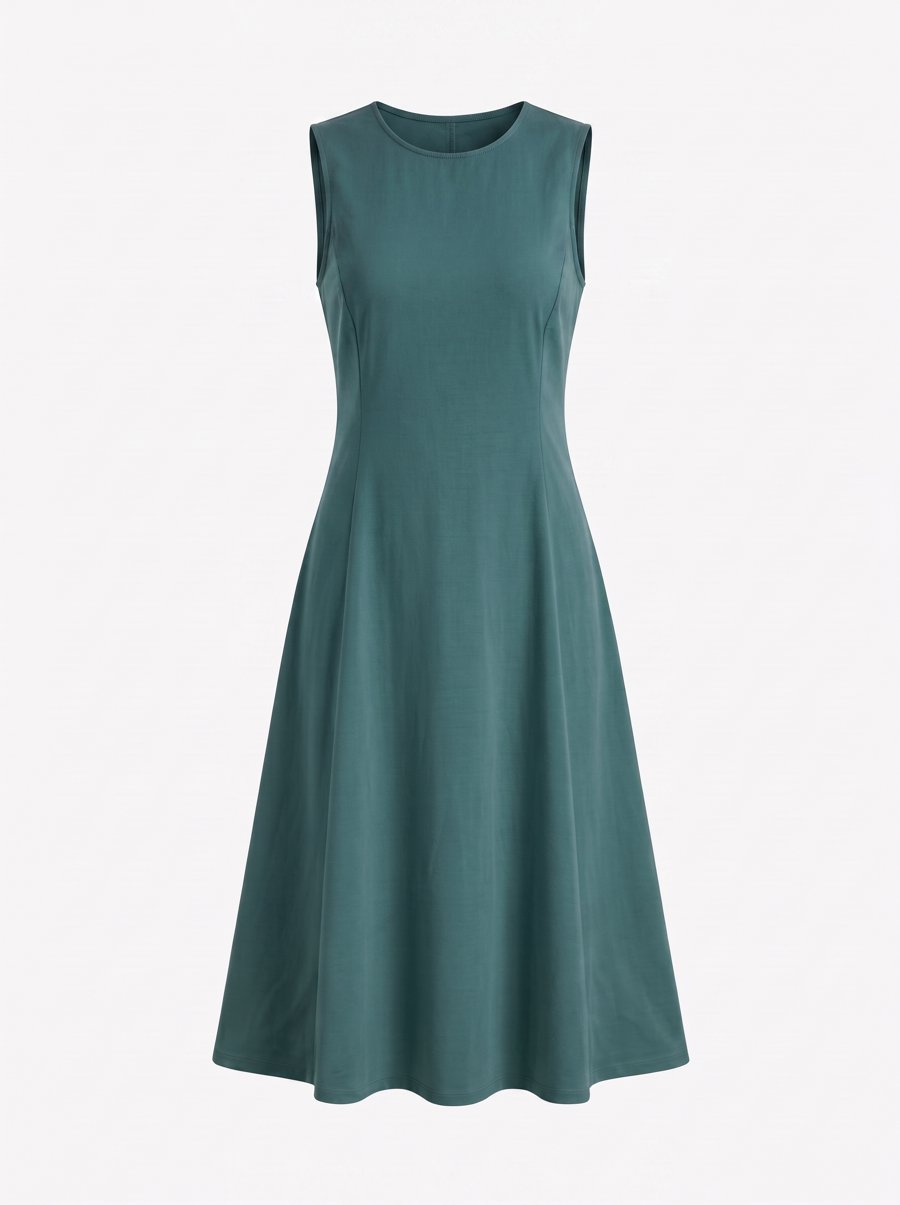
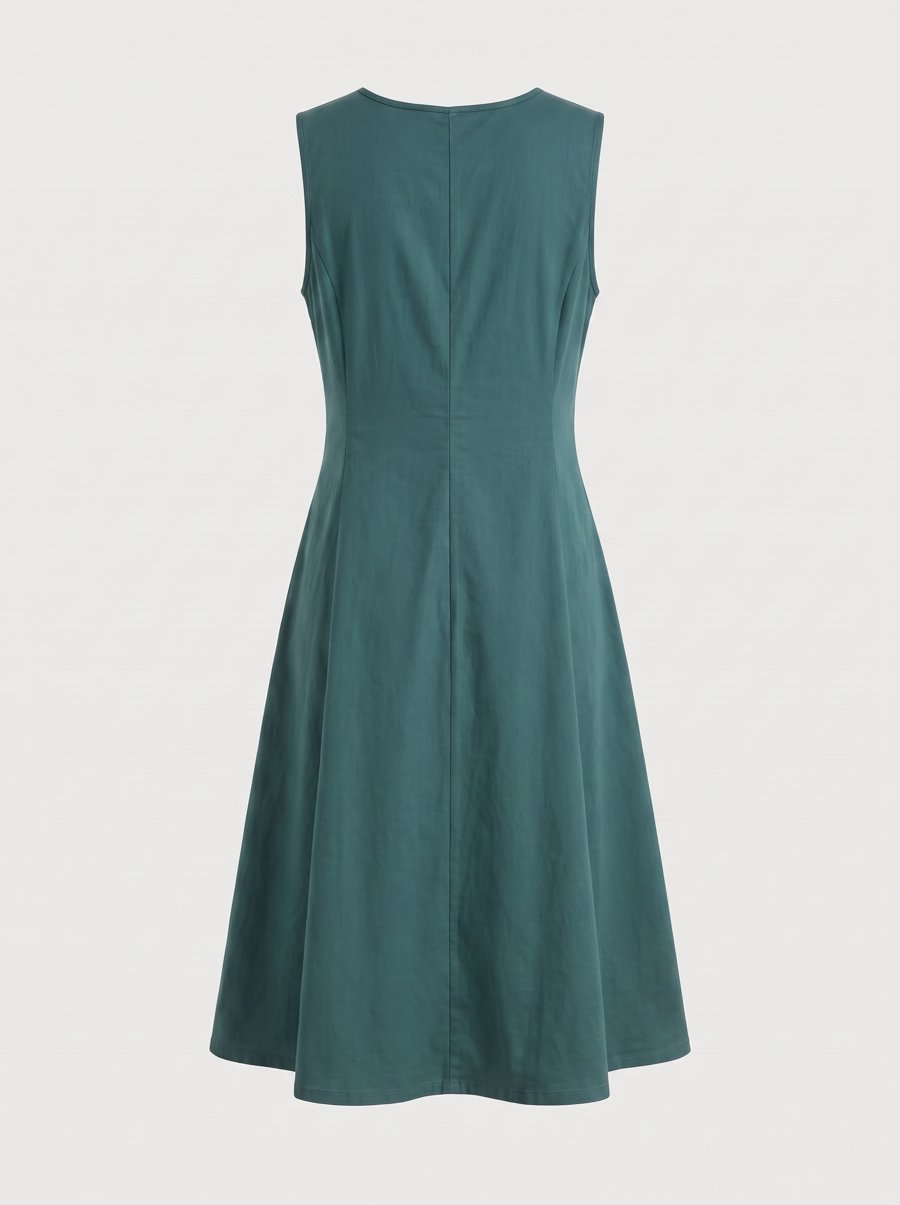
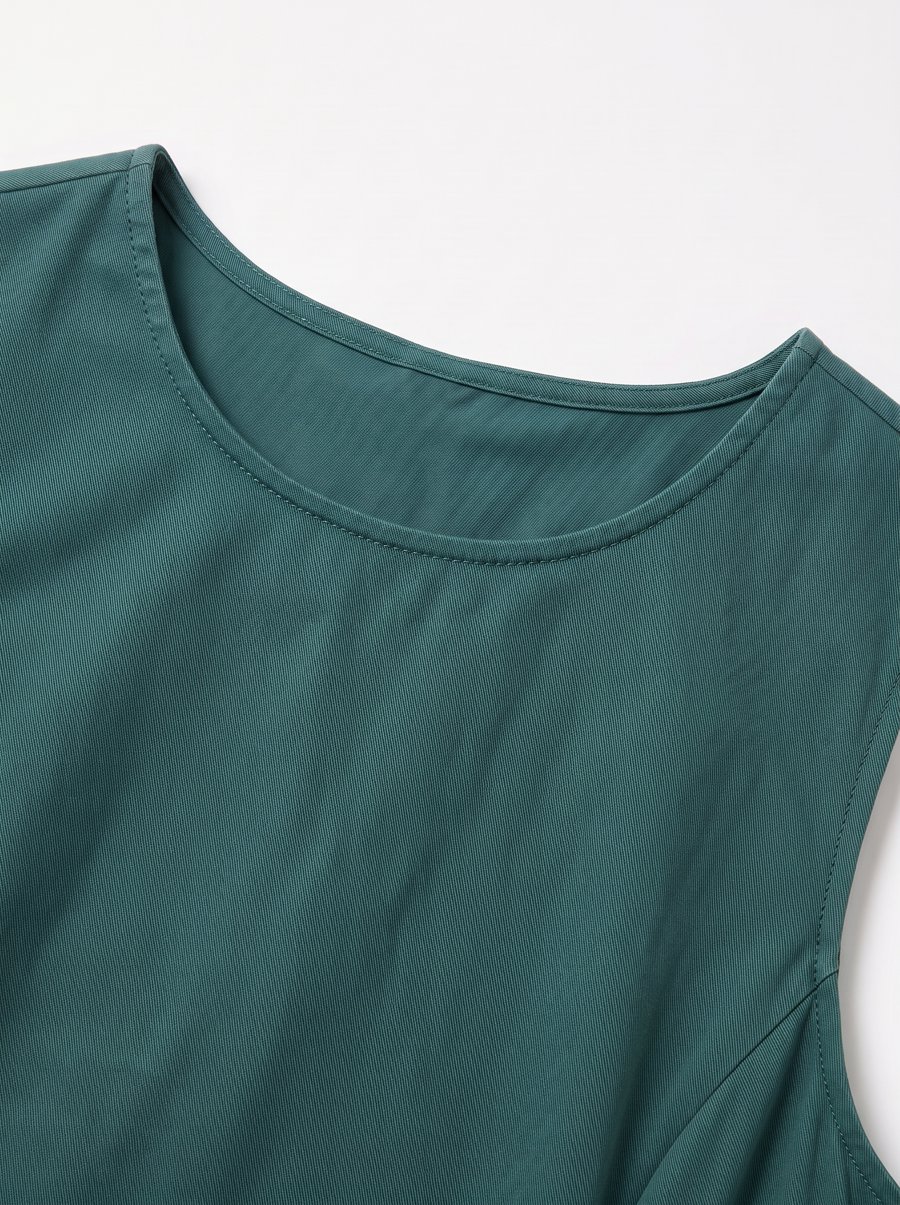
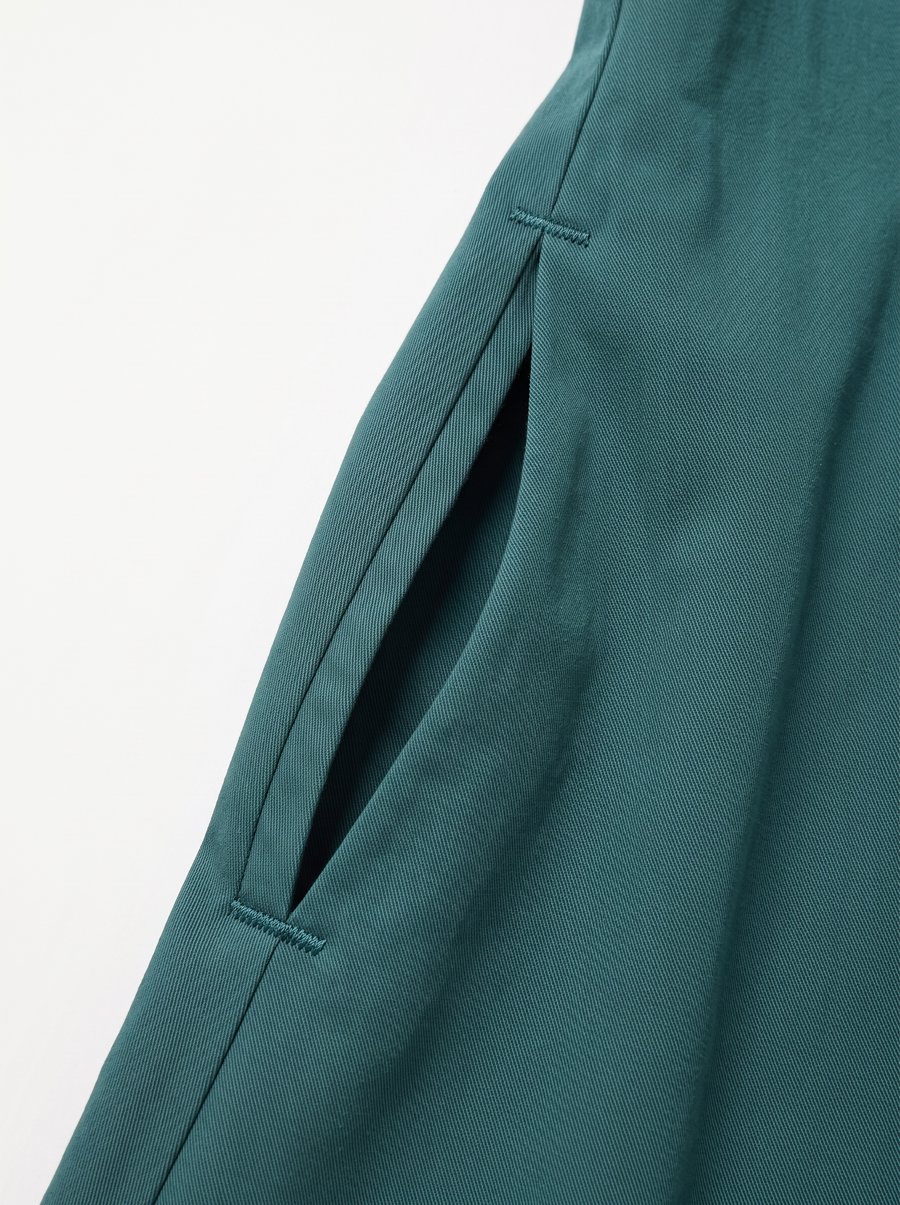
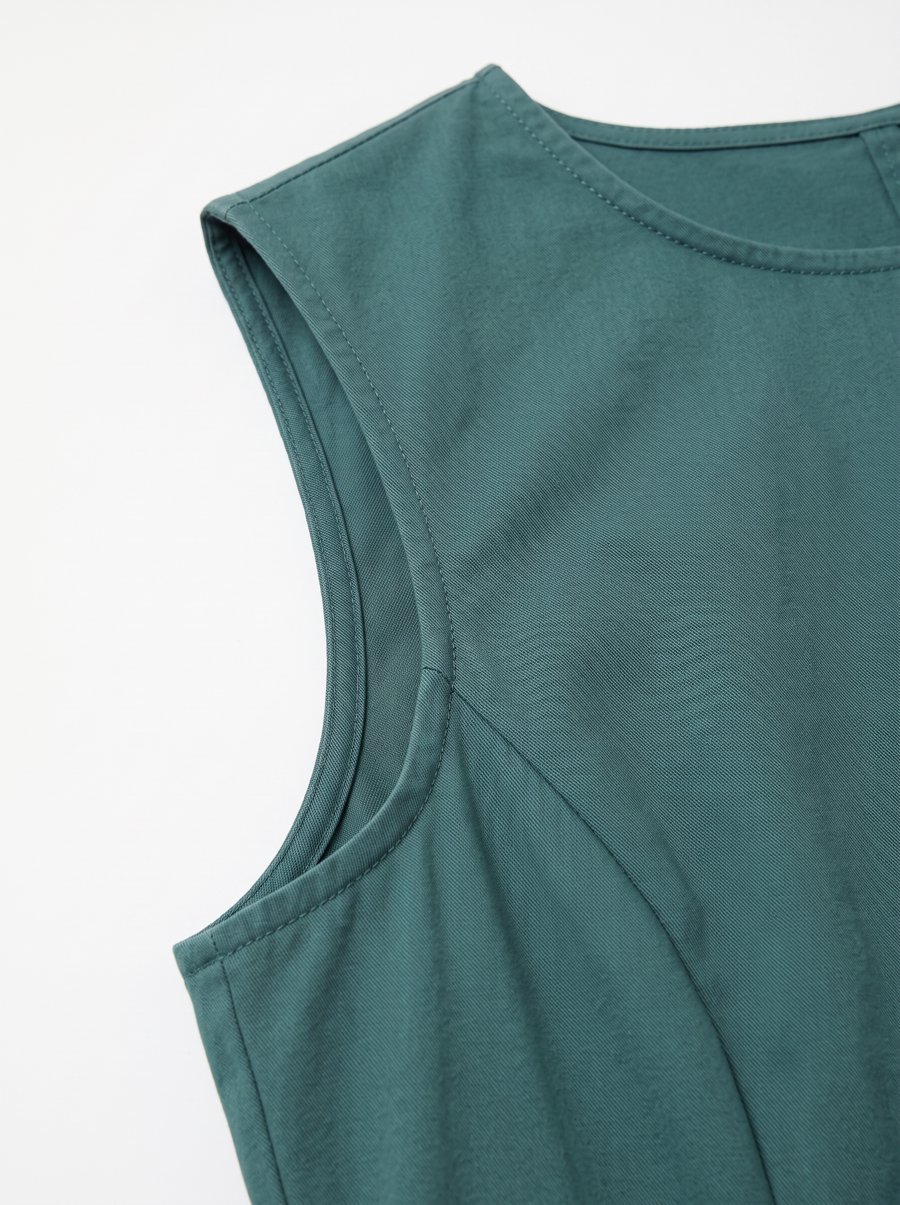
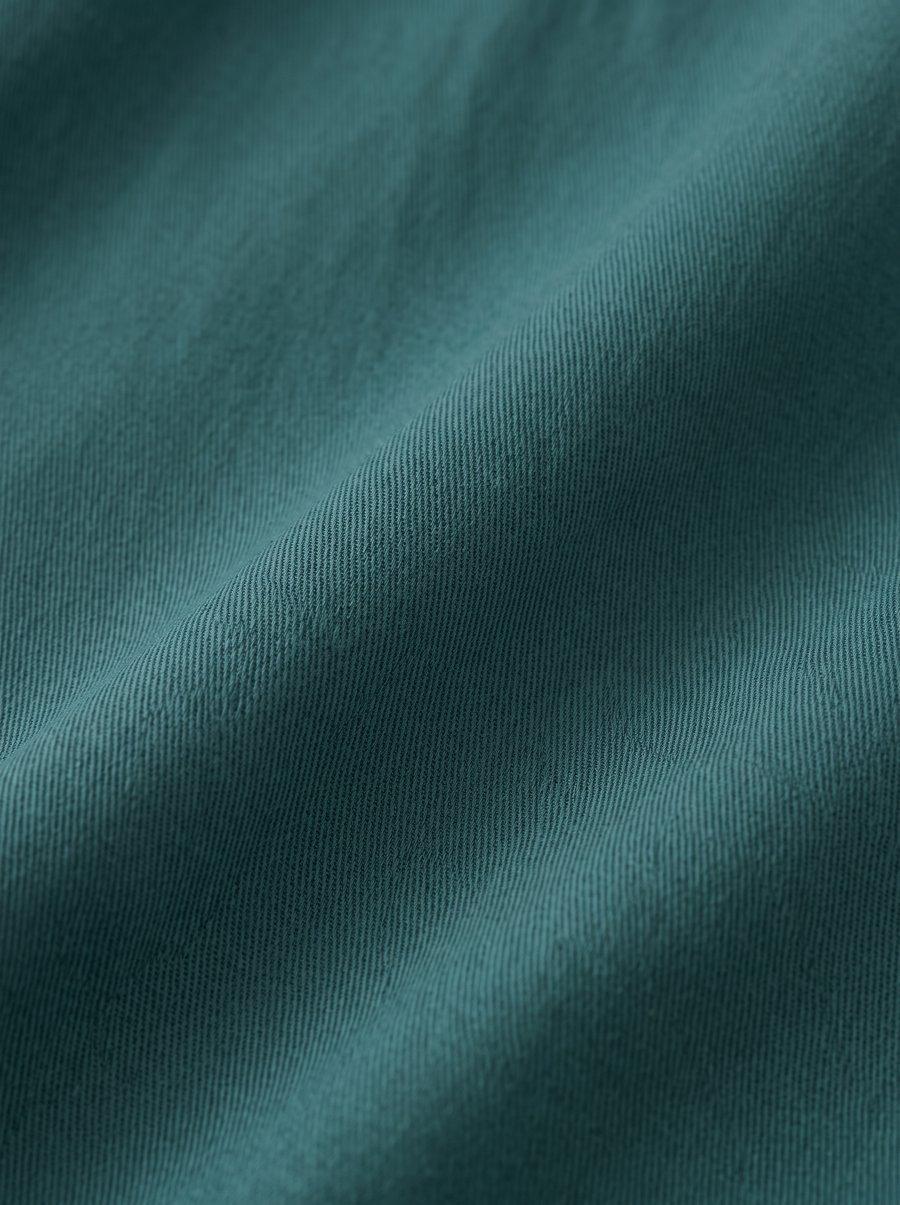
Swap in close-up references and the same photos give you the neckline, pocket, armhole and fabric, the things shoppers ask about before they buy:
The same model on every product
When the model changes from one listing to the next, a store starts to look pieced together. In Truest Lens you can create your own AI model and use her on every product.
An AI model is three photos: front, left side and right side. With all three angles, every later photo shows the same face.
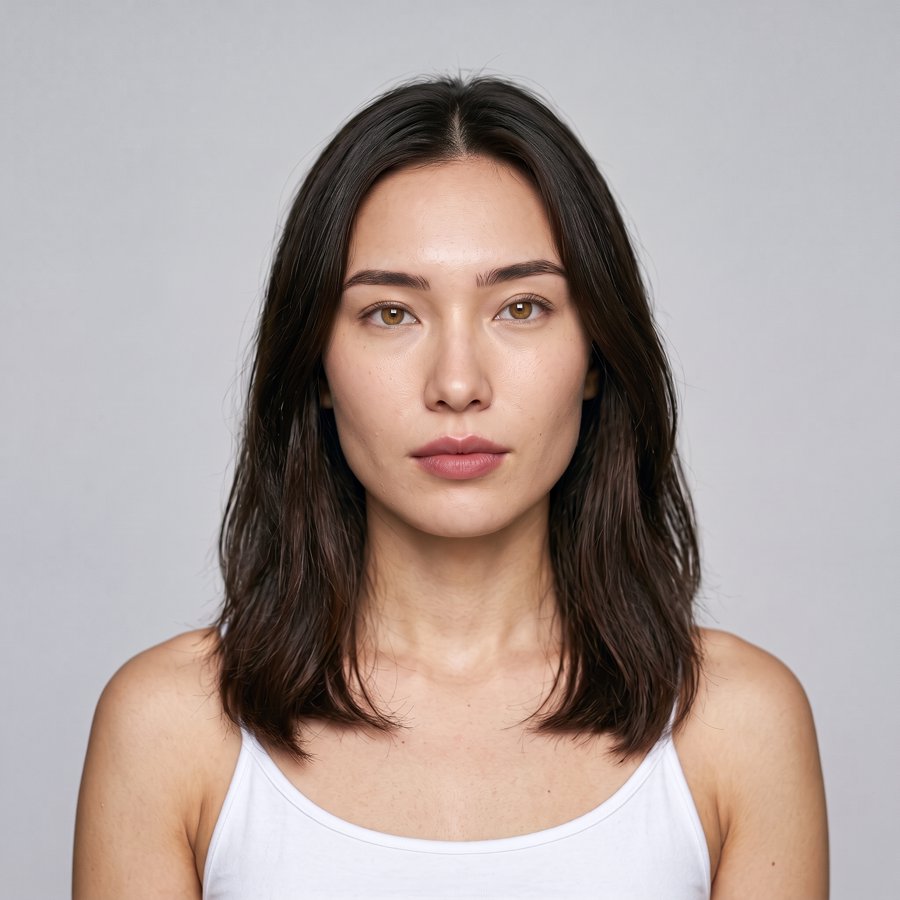
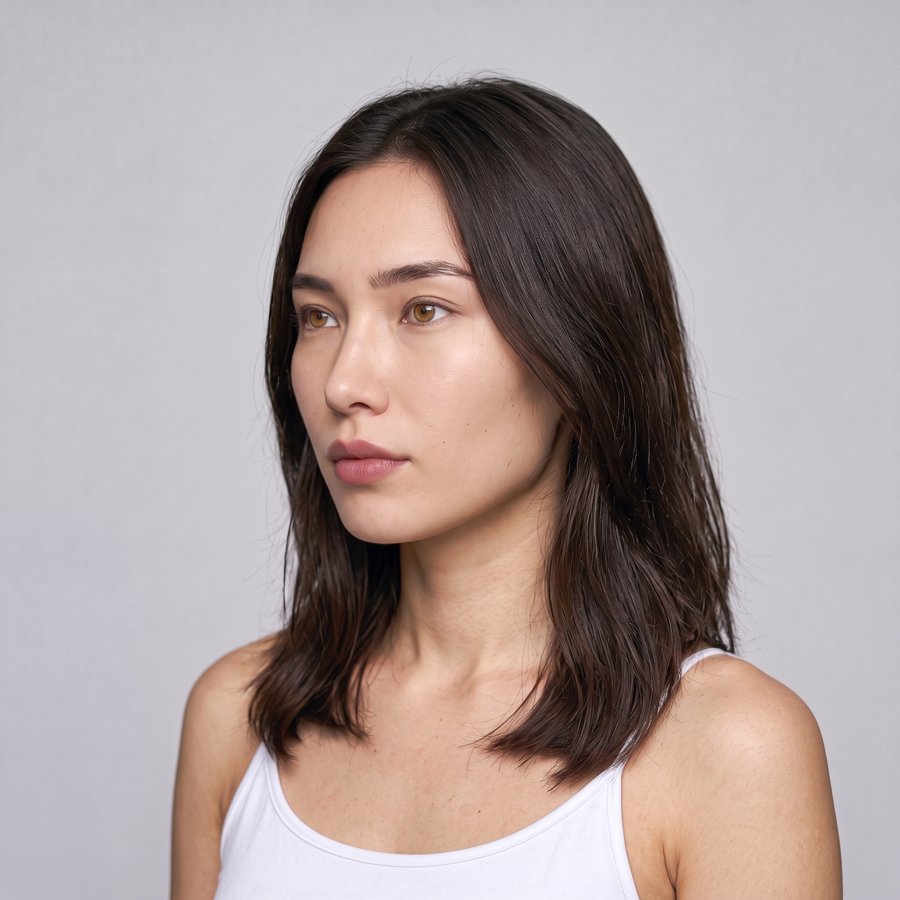
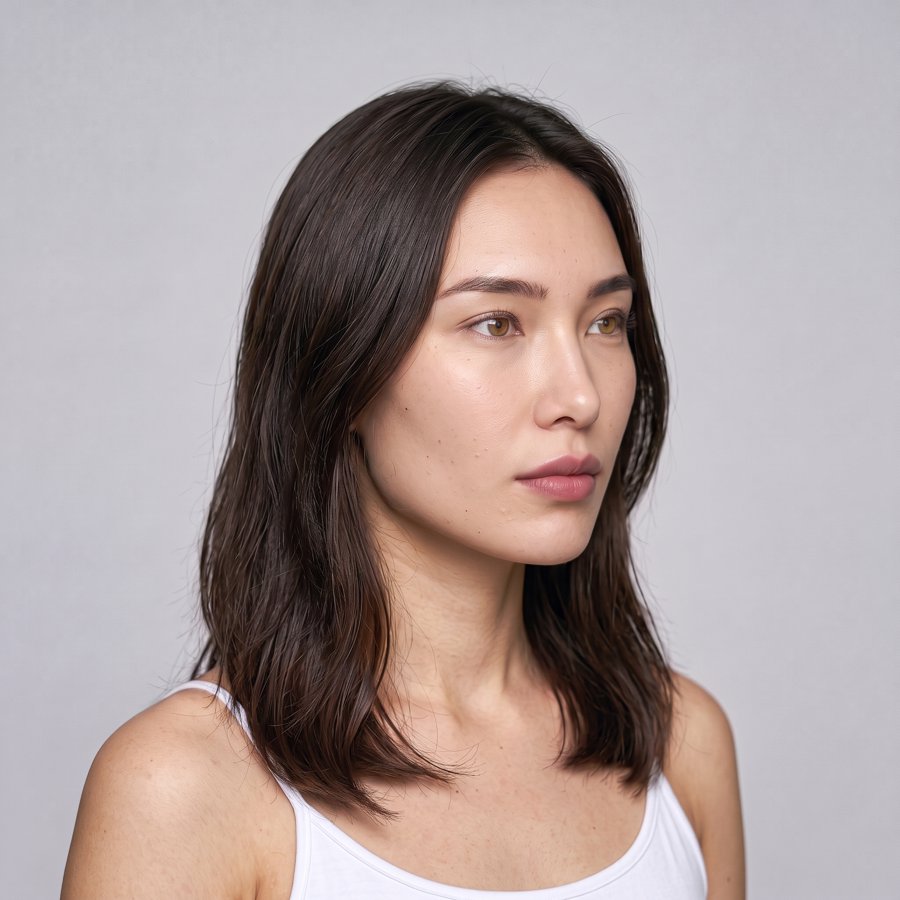
She is the model in the skirt photos above.
Two ways to create one:
- Describe her in a few words: age, look, hair. Truest Lens generates the front, then each side, and you pick your favorite at each step.
- Upload three photos of a real person: only with their permission to use their likeness.
If you don't pick an AI model, the results keep the person from the reference photo.
Ask for changes in plain words
Every form has an optional custom prompt. Write it like you'd talk to a photographer, and point at a specific photo by number, for example "Copy reference 1, and add a delicate gold necklace".
Like a result? Use it as the reference for your next order and keep going from there.
Where to be careful
- Knits, fine repeated textures, stitching and seams don't come out as close to the garment as we want yet. Add extra close-ups, and check the results against your photos.
- One submission is one product. You get the full set for that piece; for the next piece, submit again.
Pricing
- No subscription. You pay for the images you generate.
- Credits never expire.
- Start with a small pack, or with the free credits you get when you sign up.
- Higher resolution uses more credits per image.
Current prices are on the pricing page. Brands with a steady flow of photos that want a workflow built around them can reach us there too.
Get started
- Sign up with an email code or Google. No password.
- Pick a few reference photos in Discover.
- Add the photos of one garment and submit.
We're helping early users one by one. If you sell clothing and want to try it, get in touch.
More examples by shot: on-model photos, flat lay to model, ghost mannequin, detail shots, consistent AI models.