Solutions for fast-moving fashion commerce
Trends decide the styles, the styles go live in days, and every one of them still needs its own set of pictures before it can sell. All it takes is the product photos you already have.
Create product photos
Shoot it on your phone, upload, and get store-ready visuals back.
Upload product photos
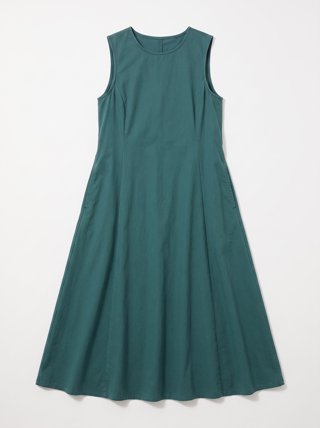 Front
Front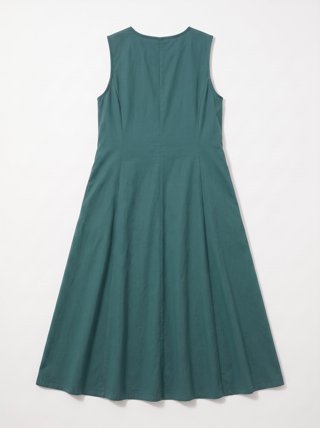 Back
BackUpload reference photos
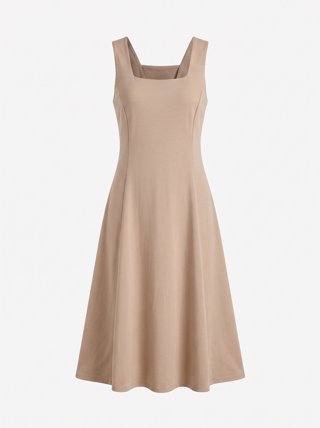 Ghost Front
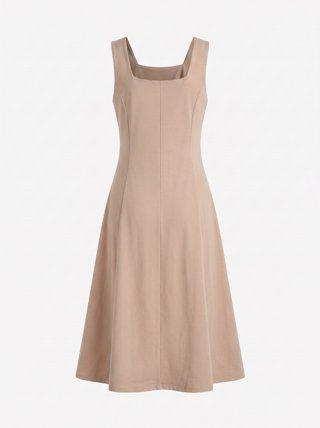 Ghost Back
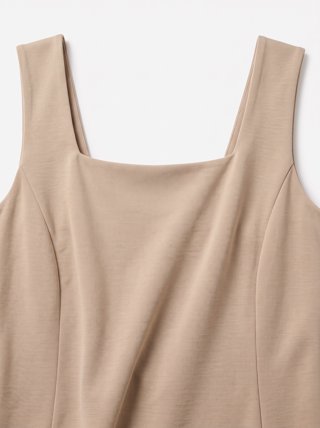 Neckline
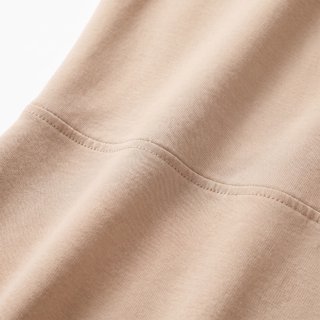 Fabric
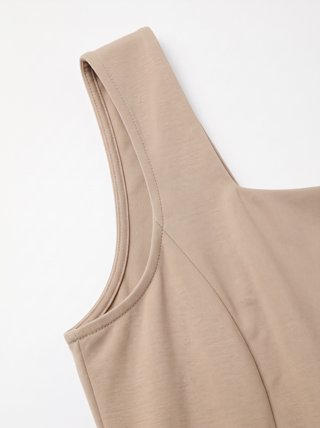 Armhole
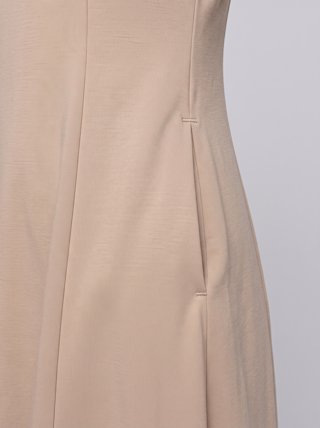 Pocket
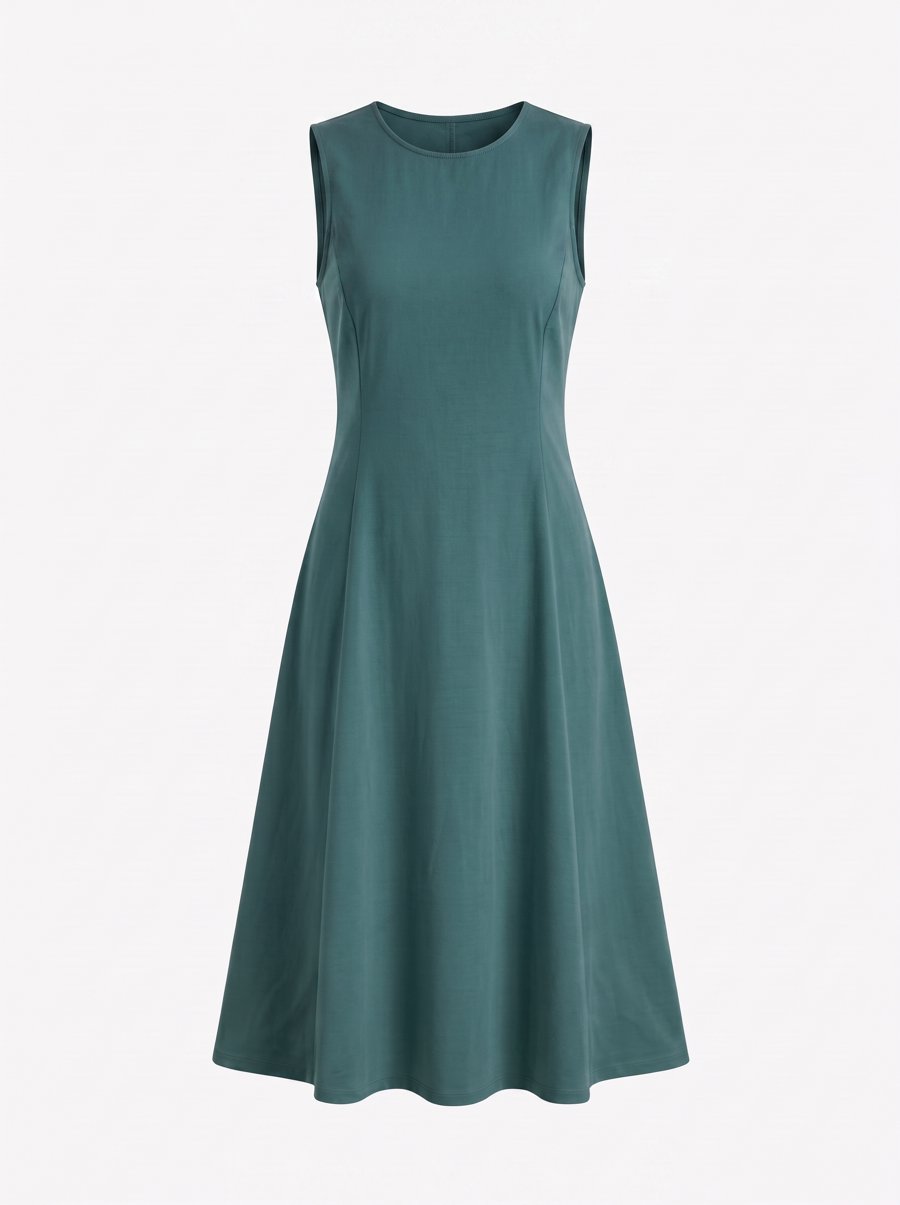 Ghost Front
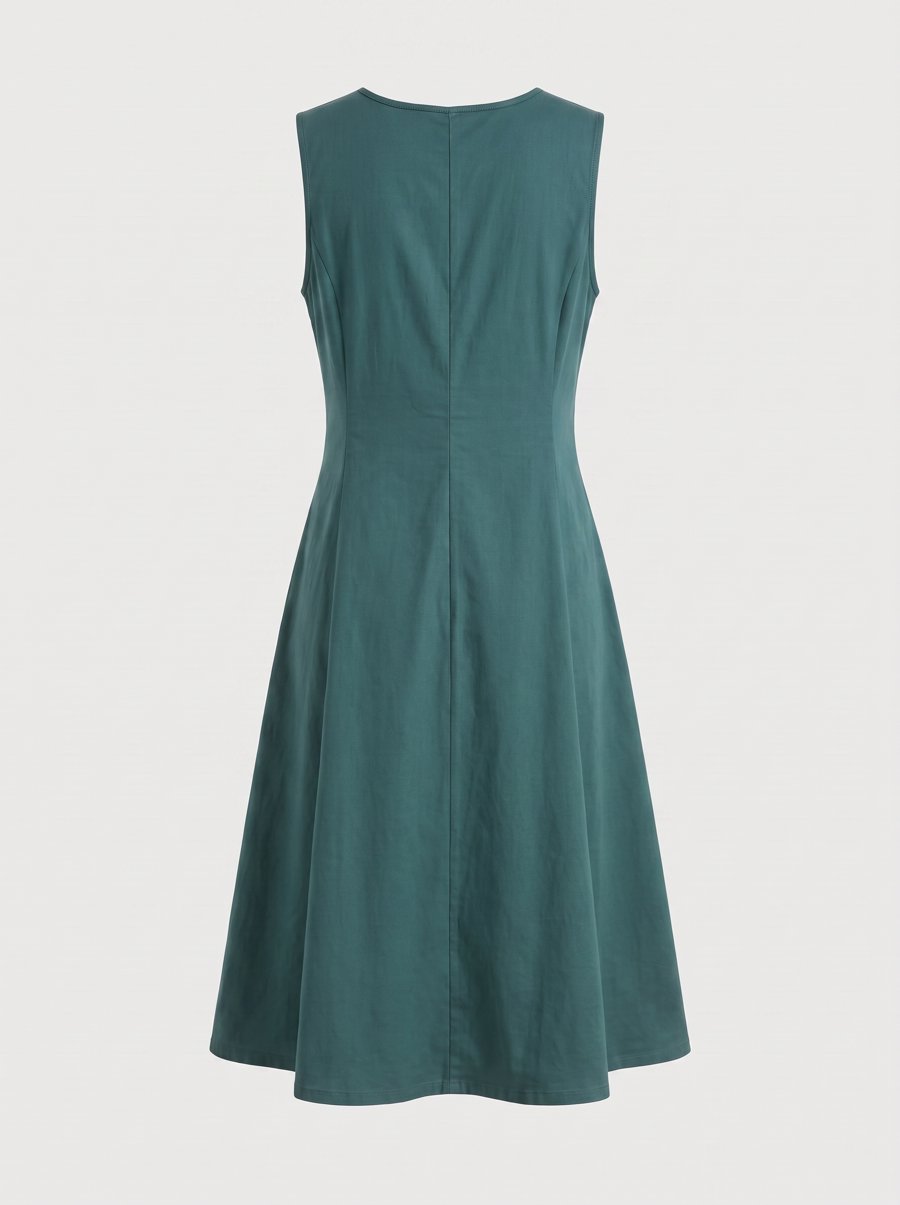 Ghost Back
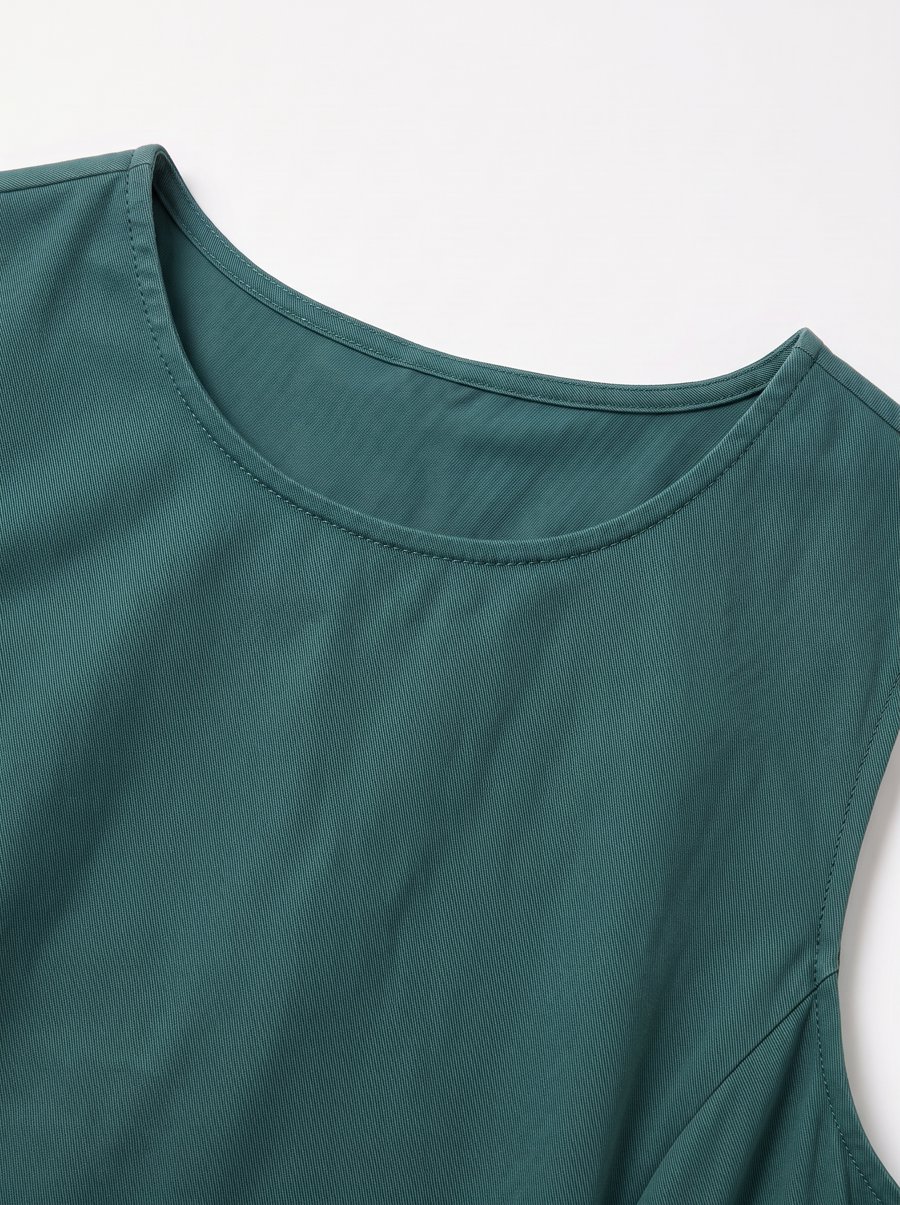 Neckline
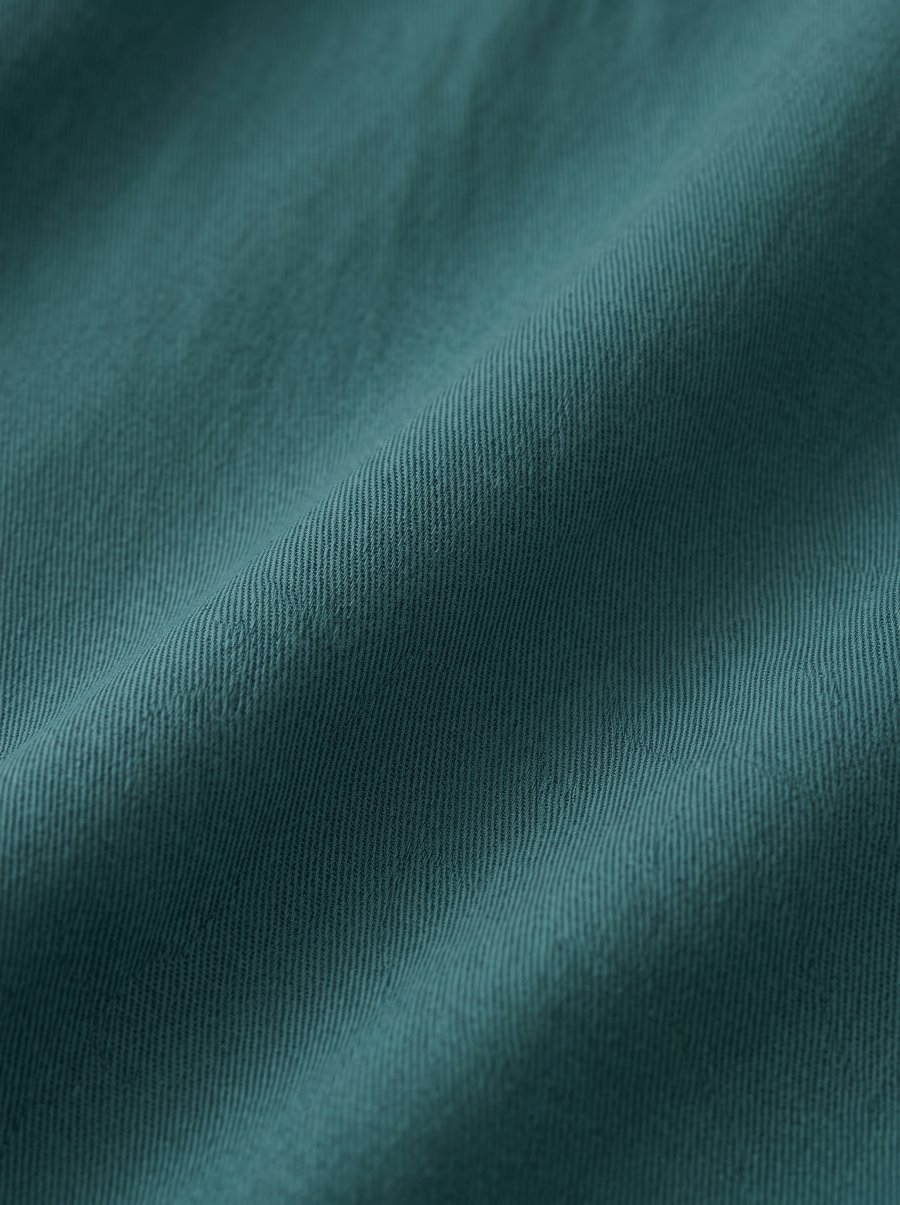 Fabric
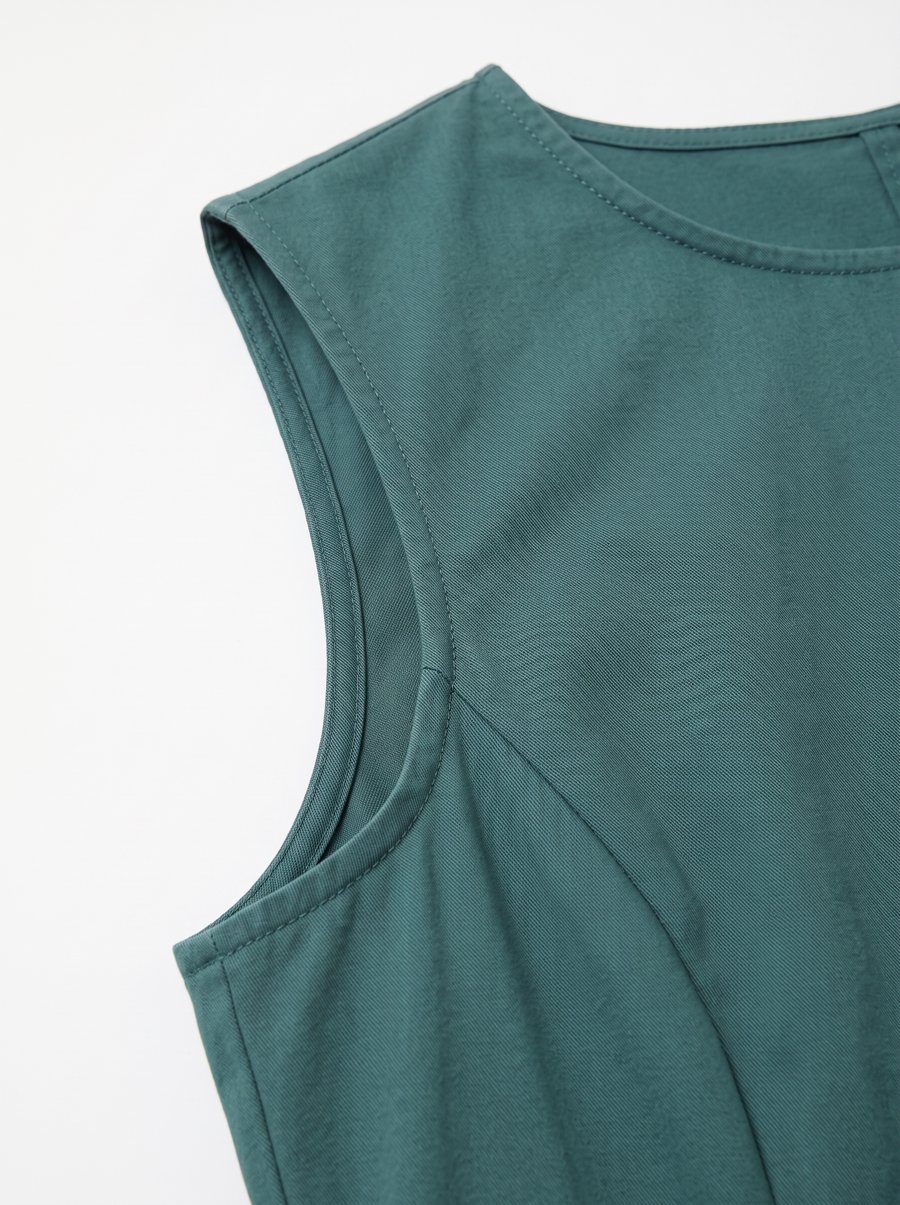 Armhole
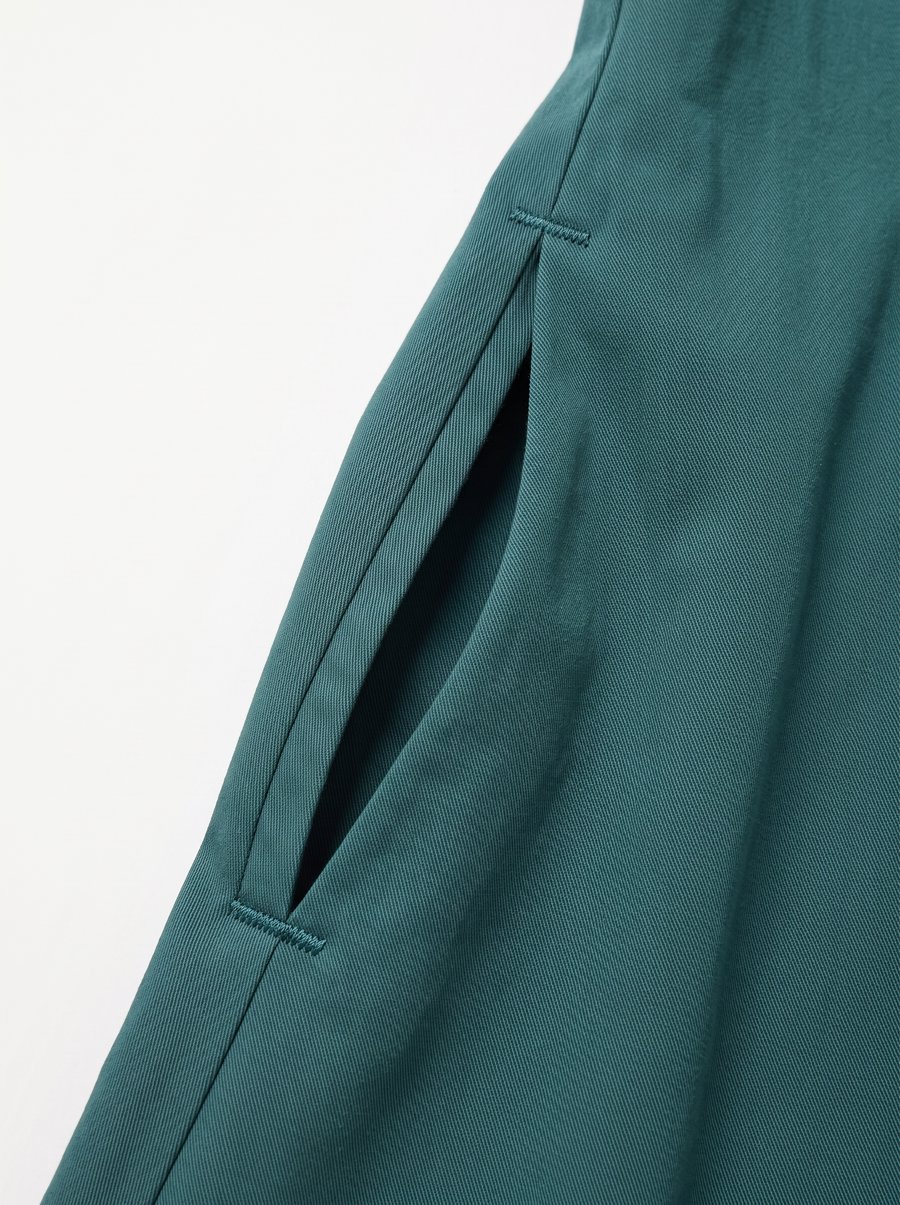 Pocket
Create model photos
No model shoot. Pick a virtual model and get front, back, another pose and another setting in one go.
Upload product photos
 Front
Front Back
Back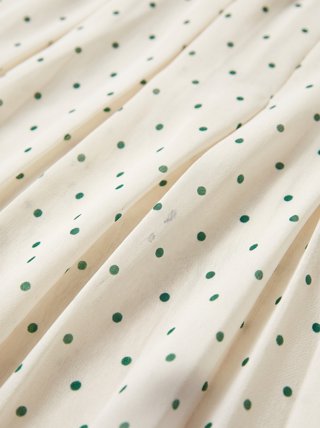 Fabric
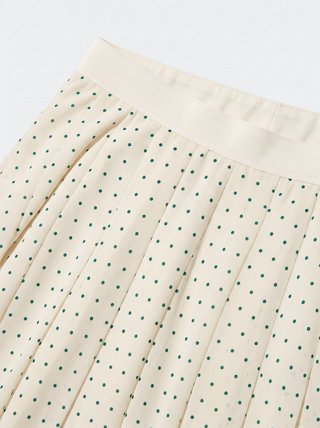 Waistband
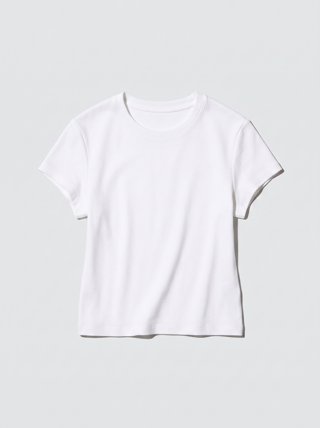 The tee
Upload reference photos
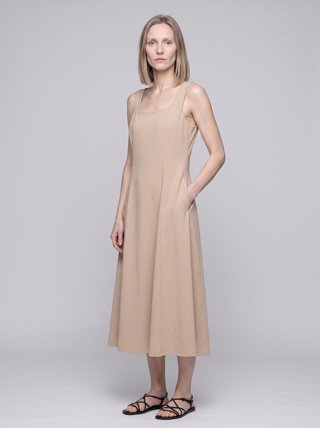 Front
Front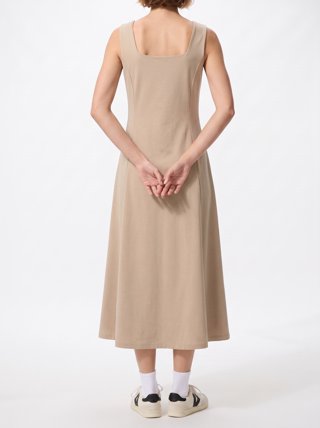 Back
Back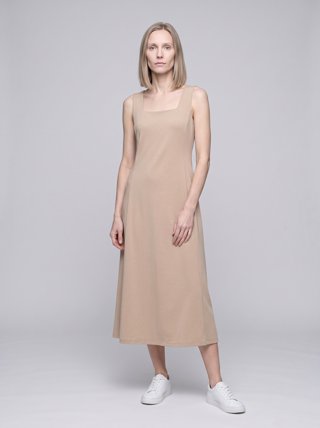 Pose
Pose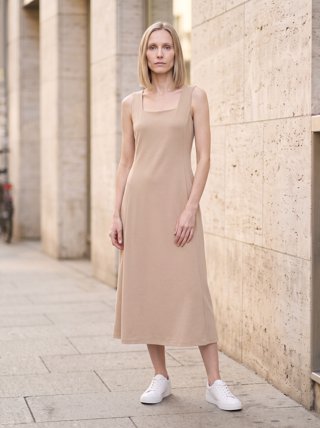 Scene
SceneModel
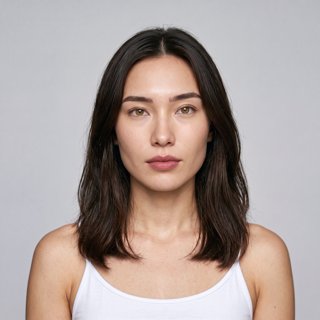
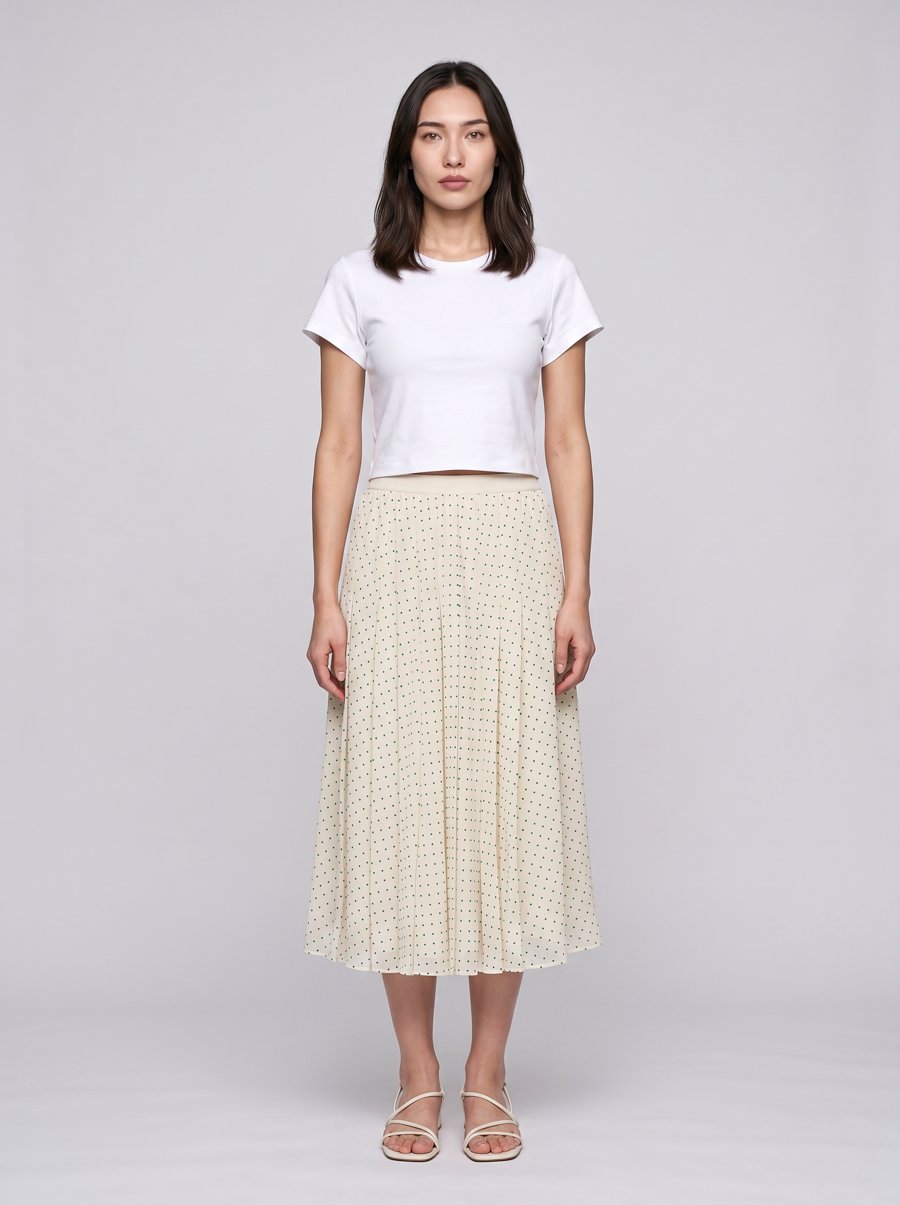 Front
Front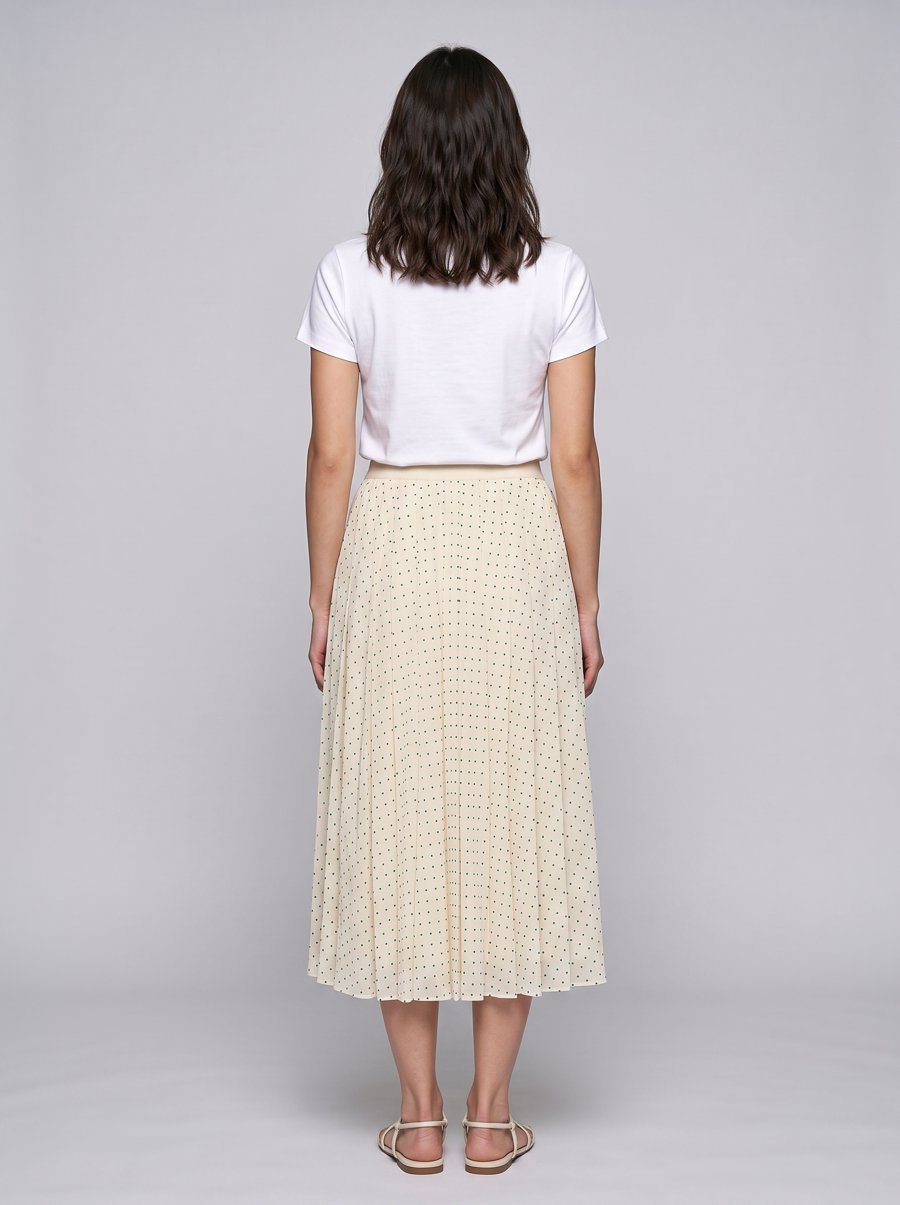 Back view
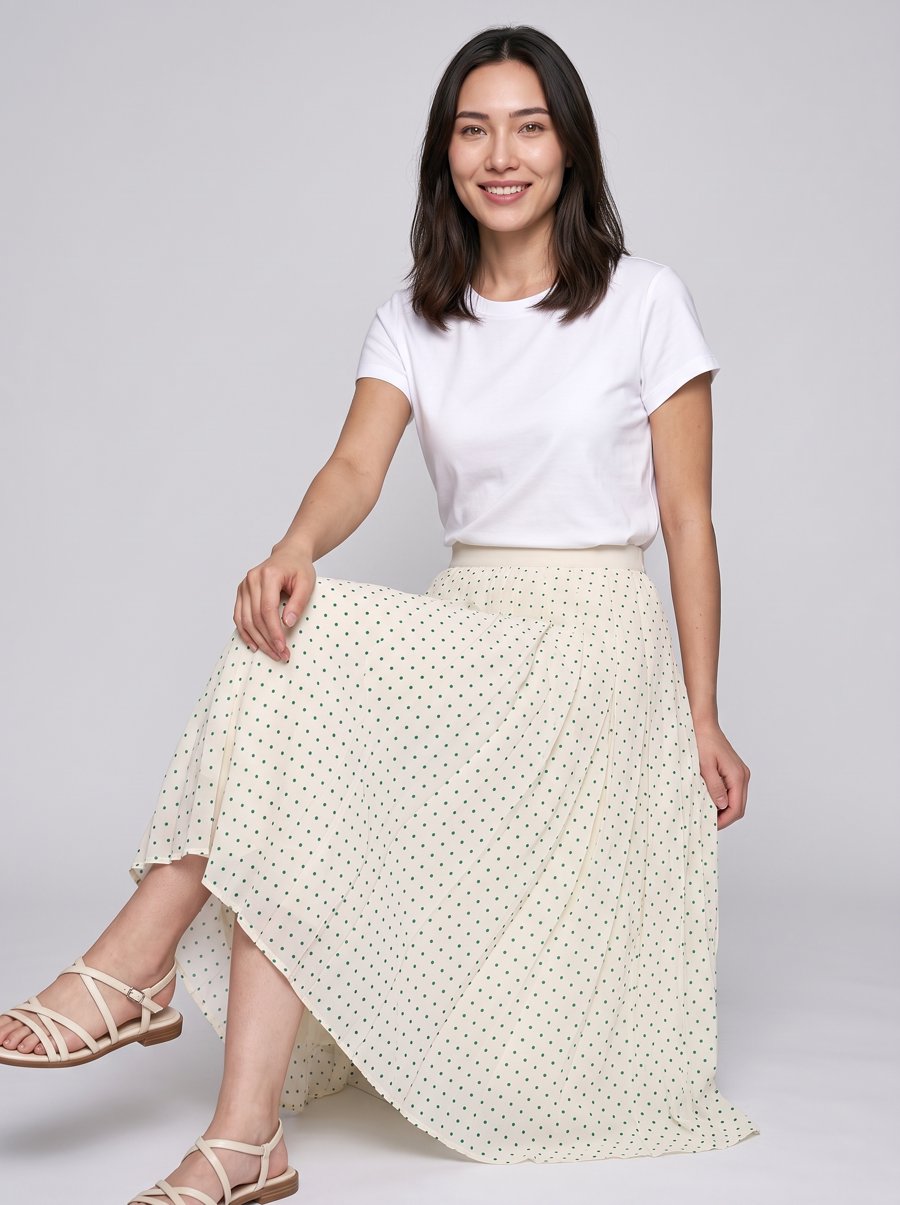 Pose
Pose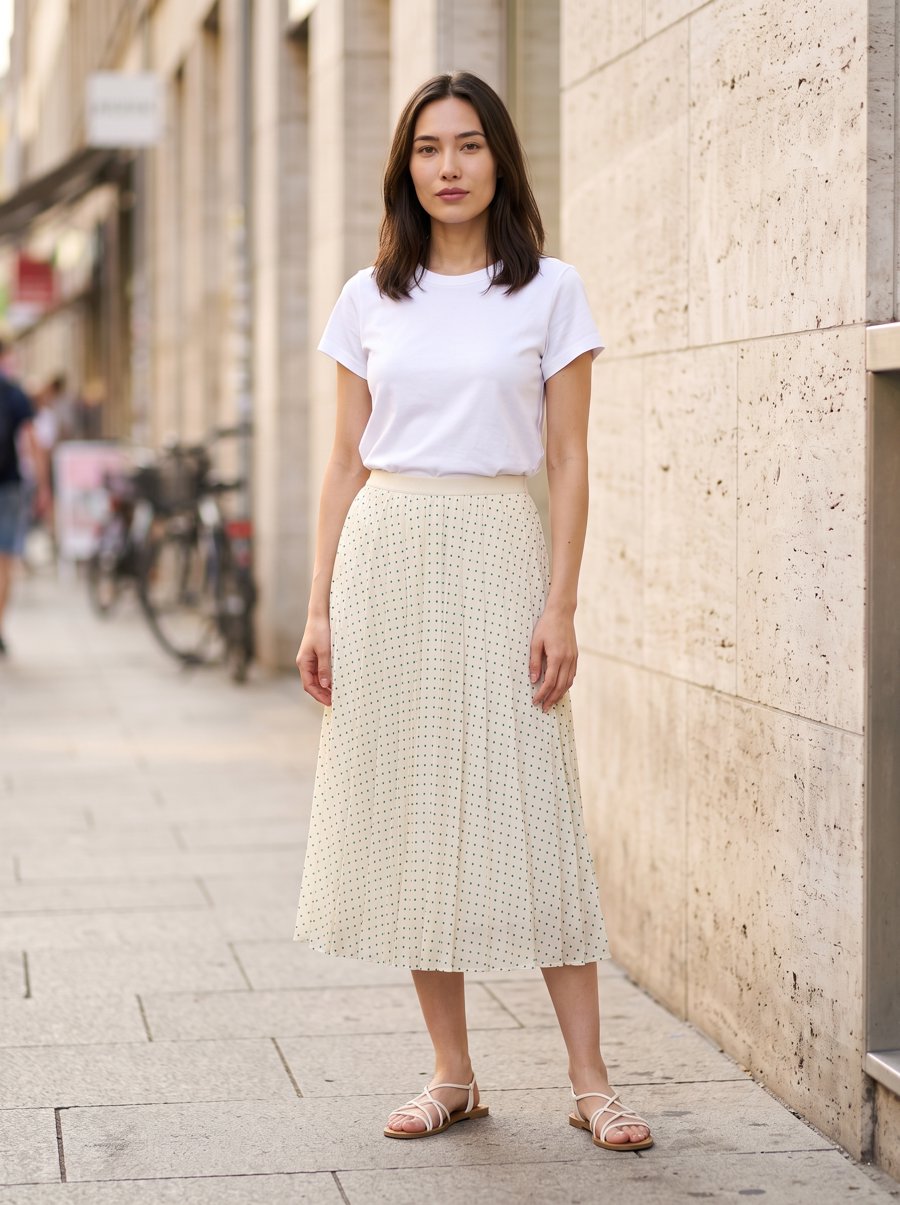 Scene
SceneLeave the model empty
The person in your reference photo carries over. Use this when the reference already shows the model you want.
Pick a model
The person in the reference is replaced by the one you picked. Framing, light and background stay as they were.
Picking a model: the same reference, worn by the person you chose.
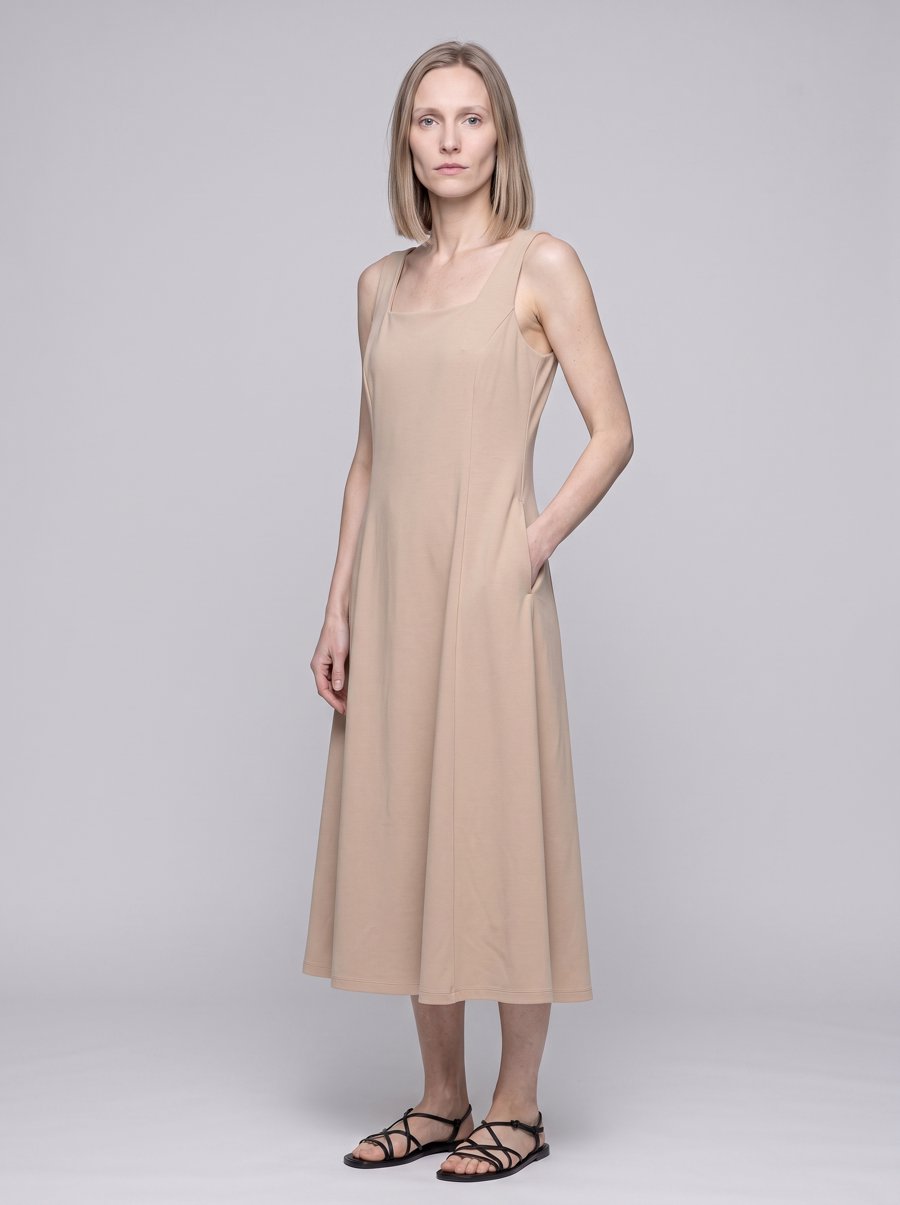 Reference
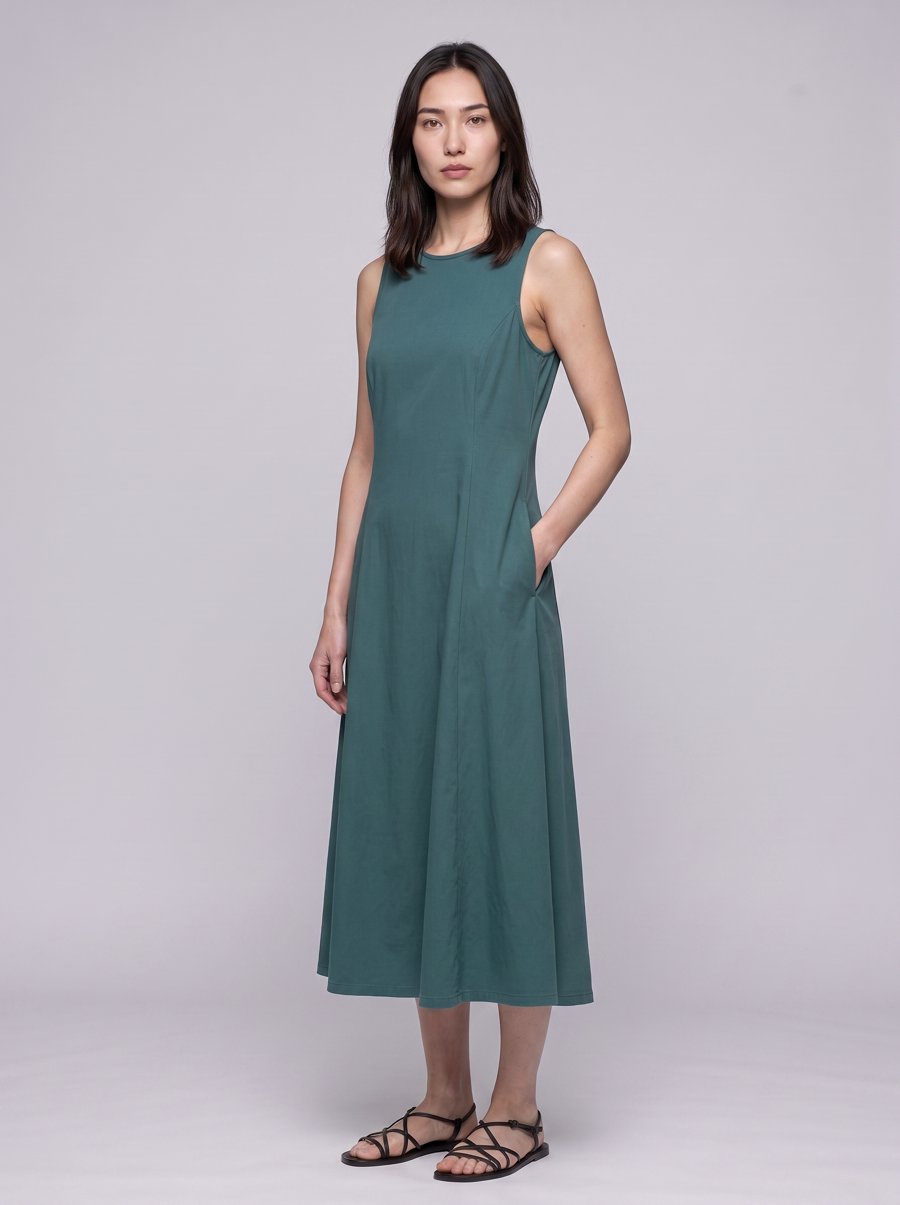 Yours
YoursCreate a model
Build one once and you get three angles of the same person back — front, and a 45° turn each way. Pick that model on any later submission and the same person wears the piece.
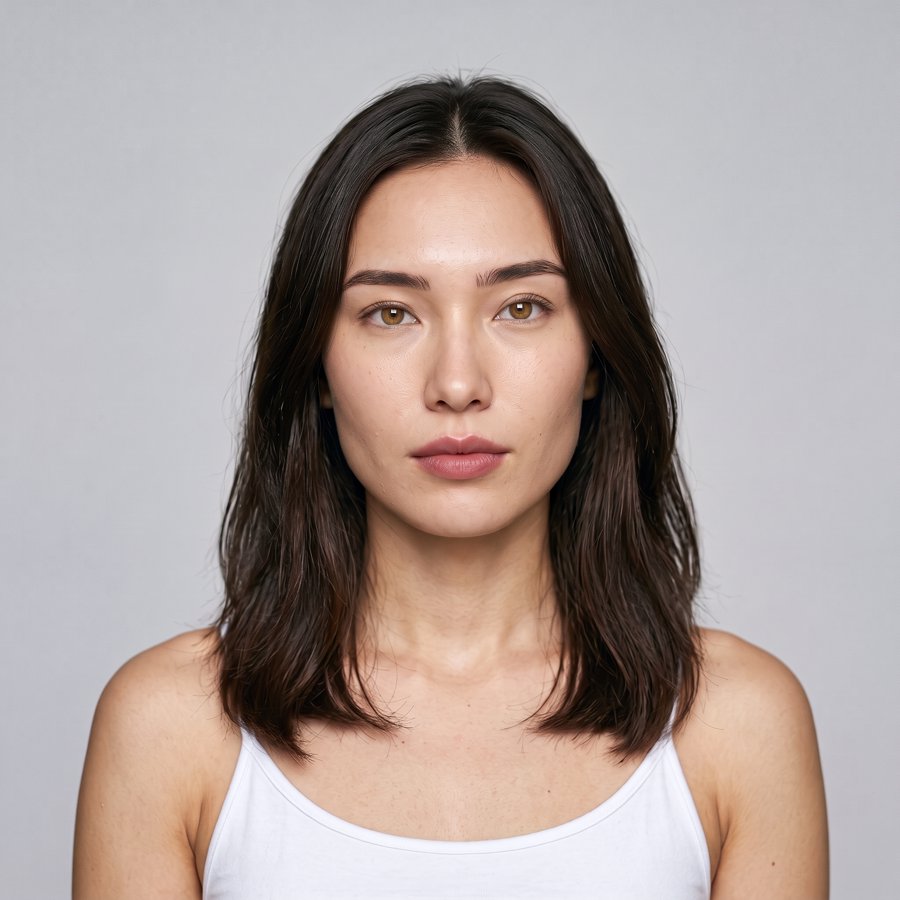
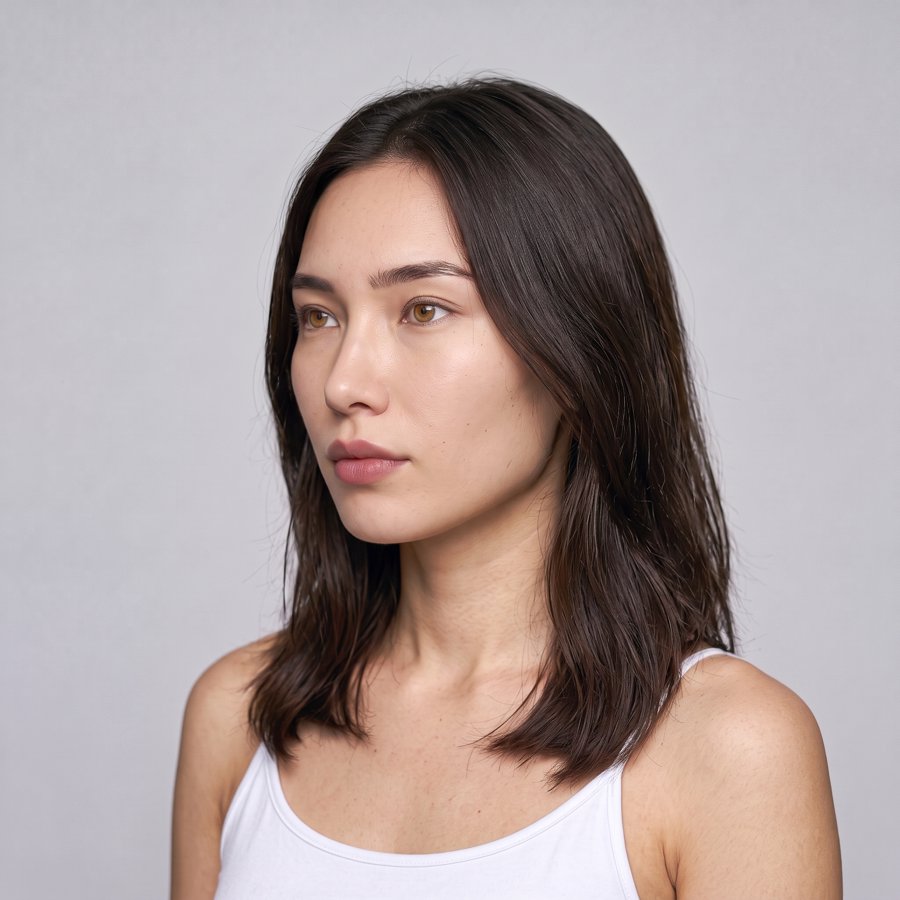
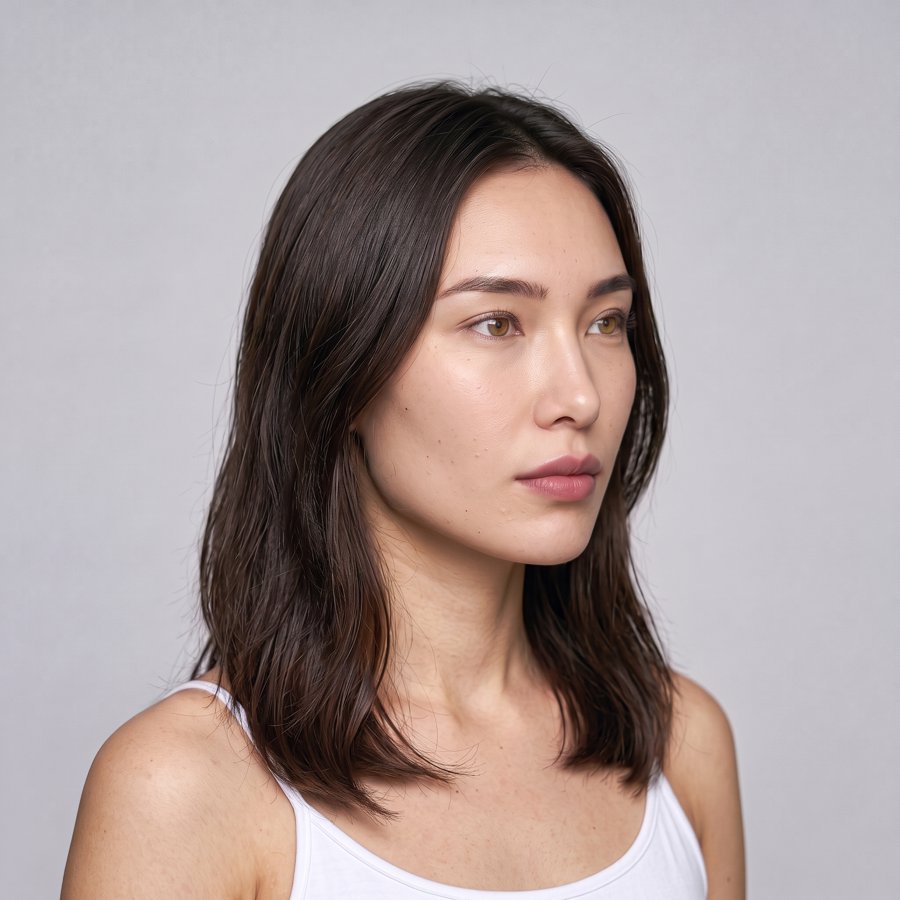
Write who you want
A line is enough — "bright, easy-going, 22, a street-style regular with mixed heritage". The three angles come back generated. No photographs needed.
Or upload a real model
Three angles of someone you are authorised to photograph, at least 1024×1024, shot in the same light.
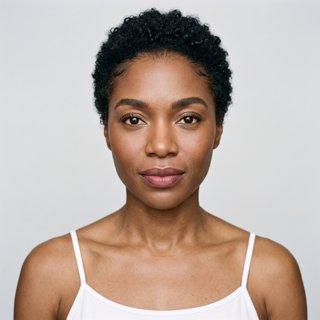
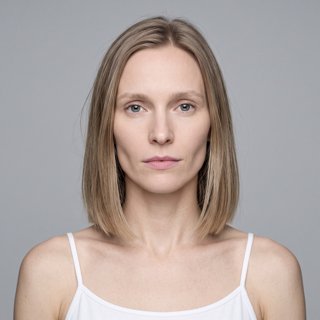
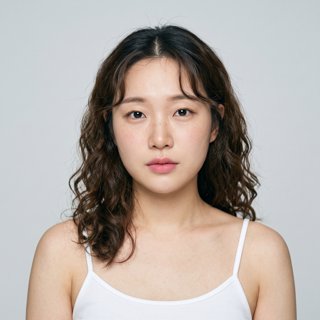
The official library already covers a range of skin tones, ages, body types and genders.



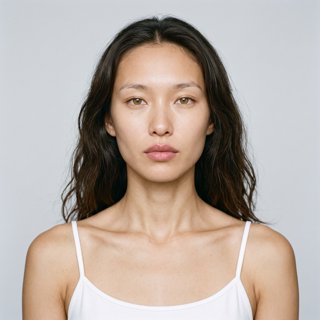
One model, wearing two different products: